Curious about how AdTribes’ Product Feed Import Export works for WooCommerce product feeds? We’ve answered the most common questions to help you get started.
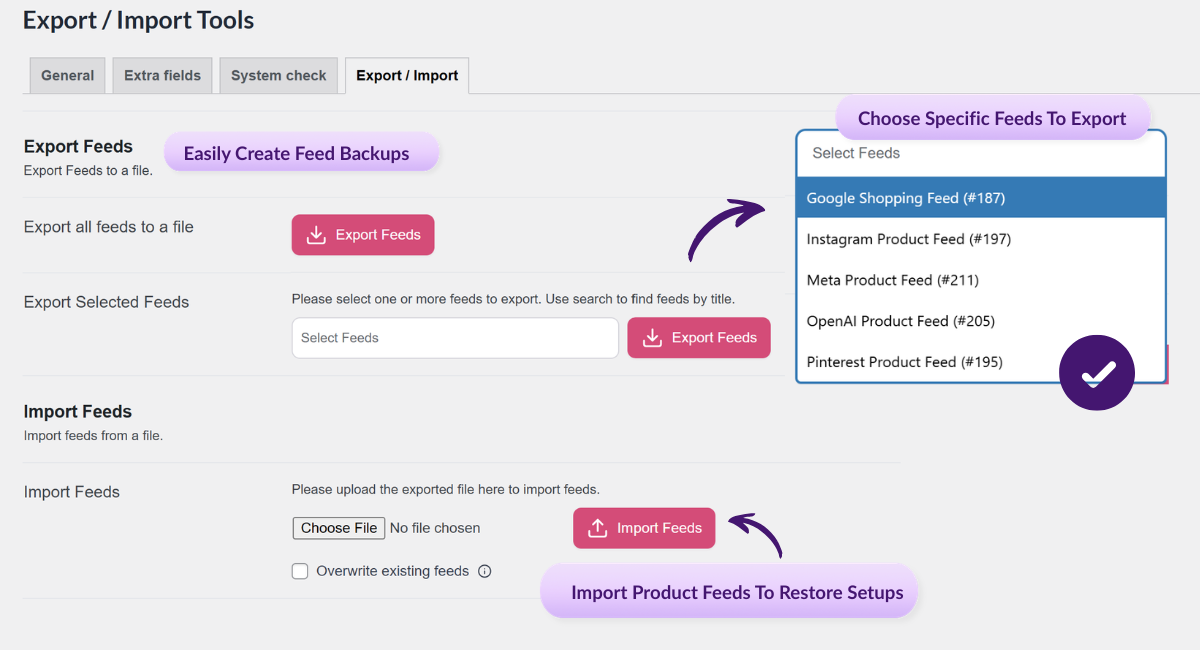
It’s a feature that lets you back up, migrate, and bulk manage WooCommerce product feed configurations using JSON exports and imports. It’s designed to make feed portability and reuse much easier.
Yes. The export format is the same between versions, so you can export feeds from Pro and import them using Elite.
No. Export is available in both Pro and Elite, but import is an Elite-exclusive feature.
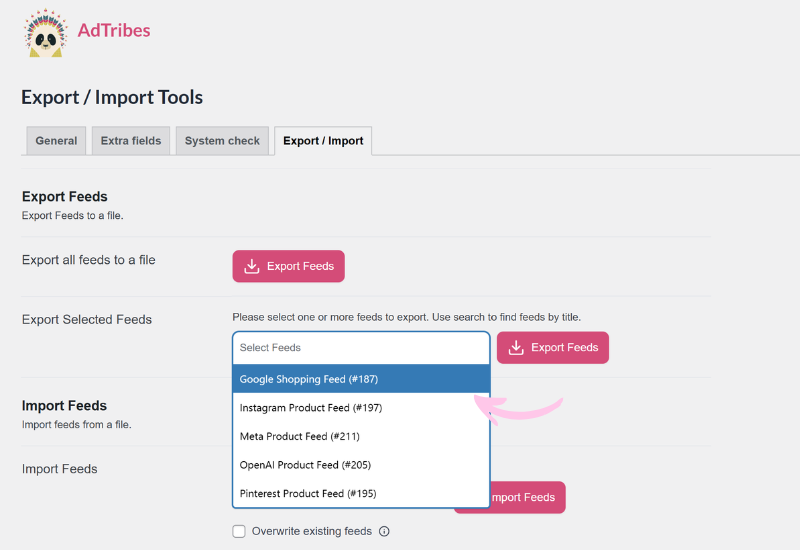
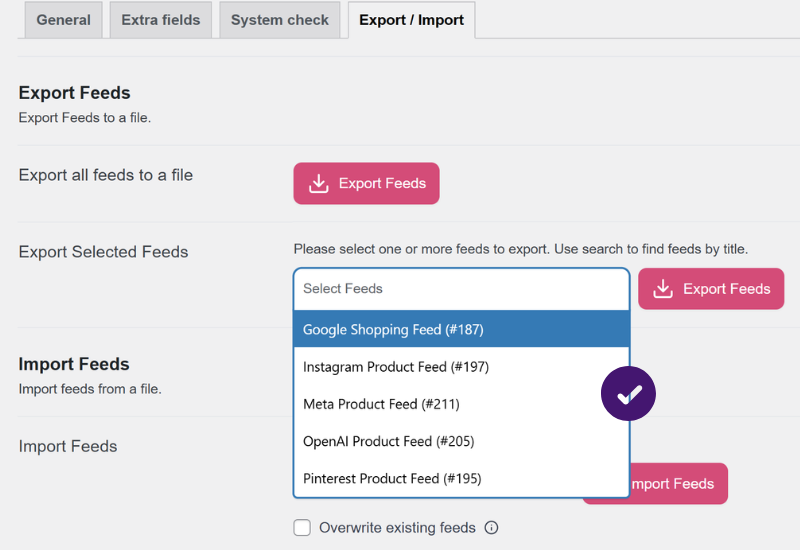
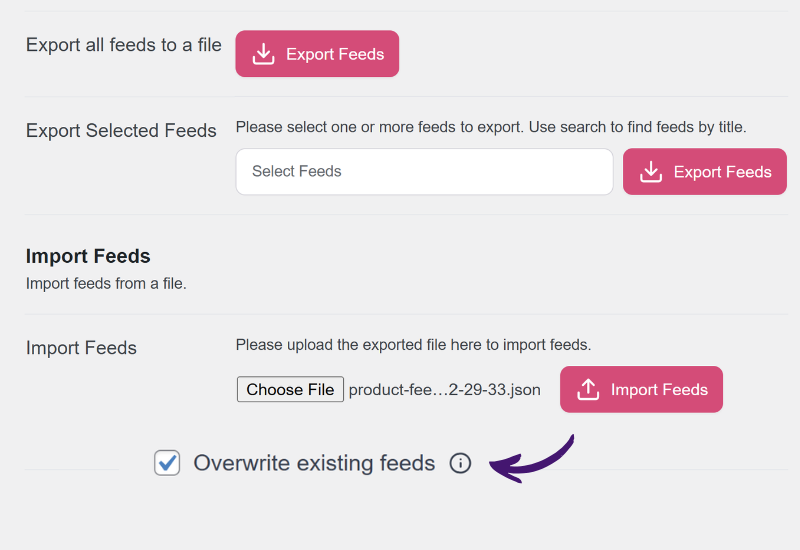
You can do both. AdTribes supports exporting all published feeds at once or exporting only selected feeds through the searchable multi-select dropdown.
The feature uses JSON files for both export and import. Imports are validated for structure and required fields before processing.
The system checks your store's data to detect duplicates. You can either skip duplicates or overwrite existing feeds, depending on what you need.
Only if you enable the overwrite option. Otherwise, duplicate feeds are skipped, and critical operational fields like post status, status, and last updated are preserved when overwriting.
The current maximum import size is 10MB. That’s typically enough to handle large sets of feed configurations in one file.
It’s especially useful for agencies, multi-store teams, and store owners who move feed configurations between development, staging, and production. It also helps anyone who wants a reliable backup of complex feed setups.