
Included in AdTribes Plus and Business Plans



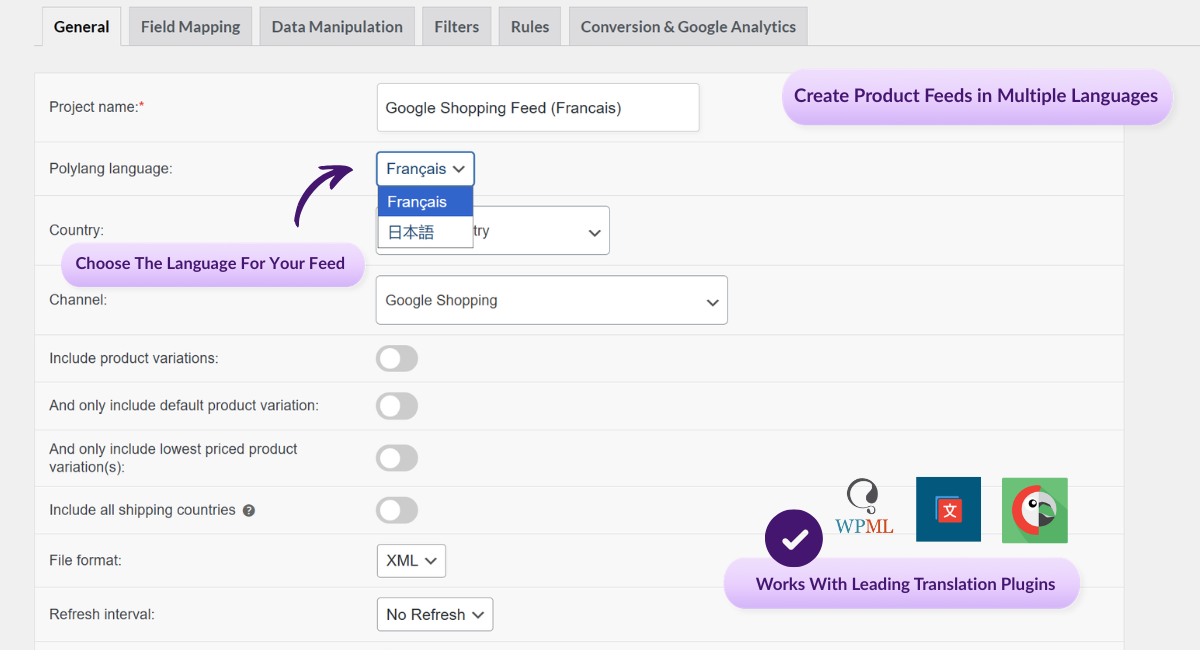



Your product feeds should match the language of the market you’re selling to. The Feed Translation Addon helps multilingual WooCommerce stores generate product feeds using translated product data from supported translation plugins.
🔌 Install the Feed Translation Addon
Download the Feed Translations Addon from your AdTribes account, then install it on the same site where Product Feed Elite is active.
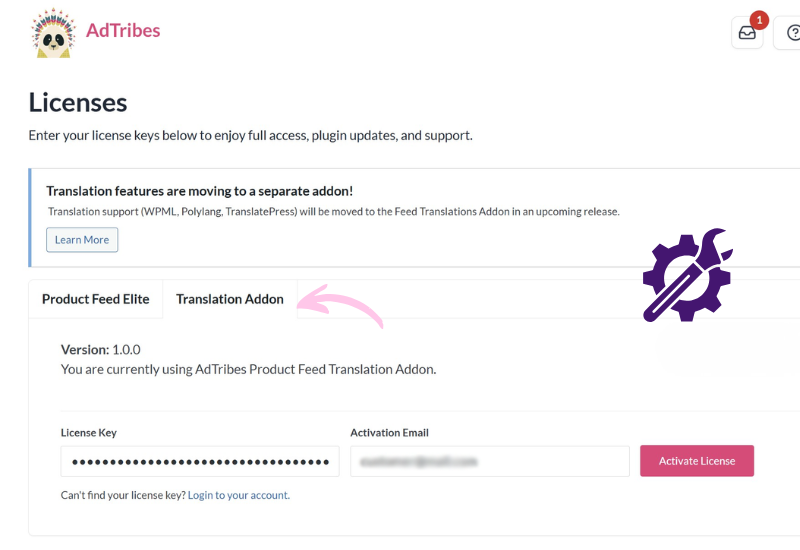
🔑 Activate Your Addon License
Activate your Feed Translation Addon license in your Product Feed settings so translation support is available for your WooCommerce product feeds.
🔍 Addon Detects Your Translation Plugin
The addon is built to work with WPML, Polylang, or TranslatePress inside Product Feed Elite, helping your translated store data flow into feed generation more smoothly.
🌐 Generate Feeds In The Right Language
When feeds run, product titles, descriptions, and attributes are pulled in the correct language based on your translation setup.
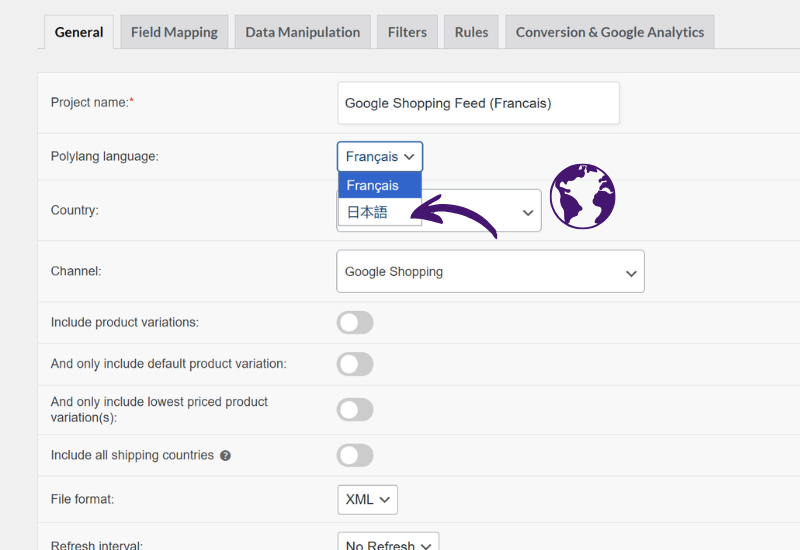
The Feed Translation Addon helps multilingual WooCommerce stores generate product feeds using the translated product data already set up in WPML, Polylang, or TranslatePress. That makes it easier to create product feeds in multiple languages for the markets you serve.
The Feed Translation Addon supports WPML, Polylang, and TranslatePress for stores that need WooCommerce multilingual product feeds. You can keep using the translation plugin already configured on your store instead of changing tools just to generate multilingual feed output.
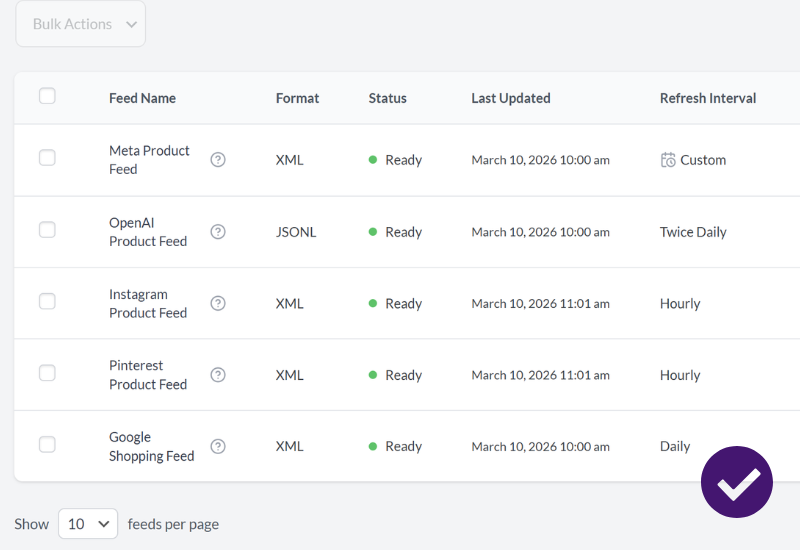
When the Feed Translation Addon is active, Product Feed Elite defers to it for all translation processing. This means your feeds generate using one translation source only — no duplicate hooks, no conflicting output, and no unexpected language mismatches in your feed data.
Generating WooCommerce multilingual product feeds means your product listings reach customers in the language they shop in. The Feed Translation Addon makes sure that translated product titles, descriptions, and attributes carry through accurately to every feed you run.
Product Feed Elite is packed with tools to save you time and grow your sales. Here are more features worth exploring.
Quickly expand your reach and boost sales with ready-made templates for Google, Facebook, Bing, and 250+ other sales channels.
Scale without limits by generating unlimited feeds for any number of products, whether you run a small shop or a large ecommerce store.

Keep listings accurate with automatic feed updates whenever products change, on the schedule that works best for your store.
Save time and stay compliant by automatically matching your product attributes to each channel’s requirements.
Boost visibility by mapping your store’s categories to each channel’s system, ensuring products are always placed where shoppers expect.
Keep shoppers confident with accurate shipping costs in your feeds, using data from WooCommerce zones, classes, and table rate plugins.
Automatically resolve structured data issues so your variable products stay active and approved on Google Shopping and other channels.
Showcase every product option by including variations like size, color, and material as individual listings in your feeds.
Tailor your feeds to match your goals by filtering products and applying rules, so your listings stay optimized for every channel.
Fine-tune your feeds by replacing, adjusting, or adding custom values so your product data meets each channel’s exact requirements.
Add essential identifiers like GTIN, MPN, and EAN along with extra attributes, so your products meet sales channel requirements.
Quickly test your setup by generating preview versions of feeds, making it easy to catch errors and fine-tune before going live.
Track what drives sales by adding UTM tags to your feeds, making it easy to measure each channel’s performance in Google Analytics.
Use Meta/Facebook Pixel, Conversion API, and Google Dynamic Remarketing Pixel to capture conversions and optimize your ads.
See exactly how many products make it into each feed after every refresh, giving you instant insights into feed coverage and accuracy.
Scan your feeds for errors like missing attributes or invalid URLs so you can fix issues early and keep products compliant.
Seamlessly connect with 20+ popular WooCommerce extensions, ensuring your feeds stay compatible with the tools you already use.
Have questions about the Feed Translation Addon for Product Feed Elite? Here are the answers to the most common ones.
If your store sells in more than one language, your product feeds should reflect that too. Get the Feed Translation Addon for Product Feed Elite and start creating WooCommerce multilingual product feeds today!
The best WooCommerce product feed plugin
