

All in One SEO
All in One SEO Team
Get All in One SEO (opens in a new tab)
Send Rank Math’s SEO data straight into your product feeds
Product Feed Pro and Elite plug directly into Rank Math, pulling your assigned primary product category automatically and, with Elite, mapping Rank Math’s SEO title, description, and focus keyword straight into your Google Shopping, Meta, and Pinterest feeds.
Product Feed Elite is fully integrated with Rank Math. Both Product Feed Pro and Elite read Rank Math’s assigned primary product category to build your feed’s category path automatically. With Elite active, you can also map Rank Math’s SEO title, description, focus keyword, SEO score, ContentAI score, and internal links processed value onto any feed attribute, including the title and description Google Shopping expects.
Rank Math’s title and description templates expand automatically, including their %variable% tags, and fall back to the product’s own title or description instead of shipping a blank field or a literal, unexpanded tag. The integration is read-only: it never writes back into Rank Math’s data, and it doesn’t pull Rank Math’s schema markup or GTIN fields into your feed.
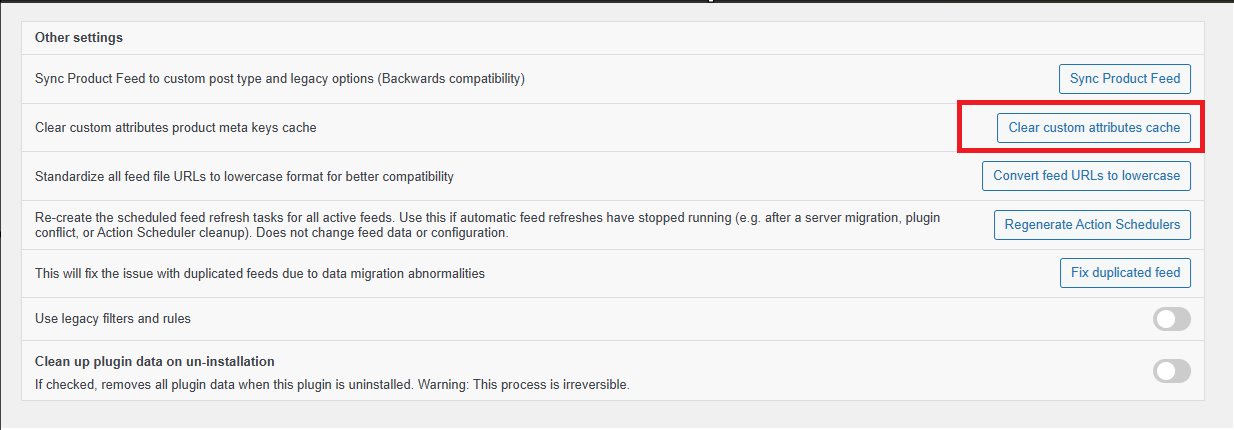
If you cannot find your mappable fields, follow these steps:
Support is provided by the developers of the plugins. Please contact them directly as we are unable to support them.
Tell us about your integration with Product Feed Pro or Elite and get it listed.
The best WooCommerce product feed plugin