⚙️ Open Conversion & Google Analytics
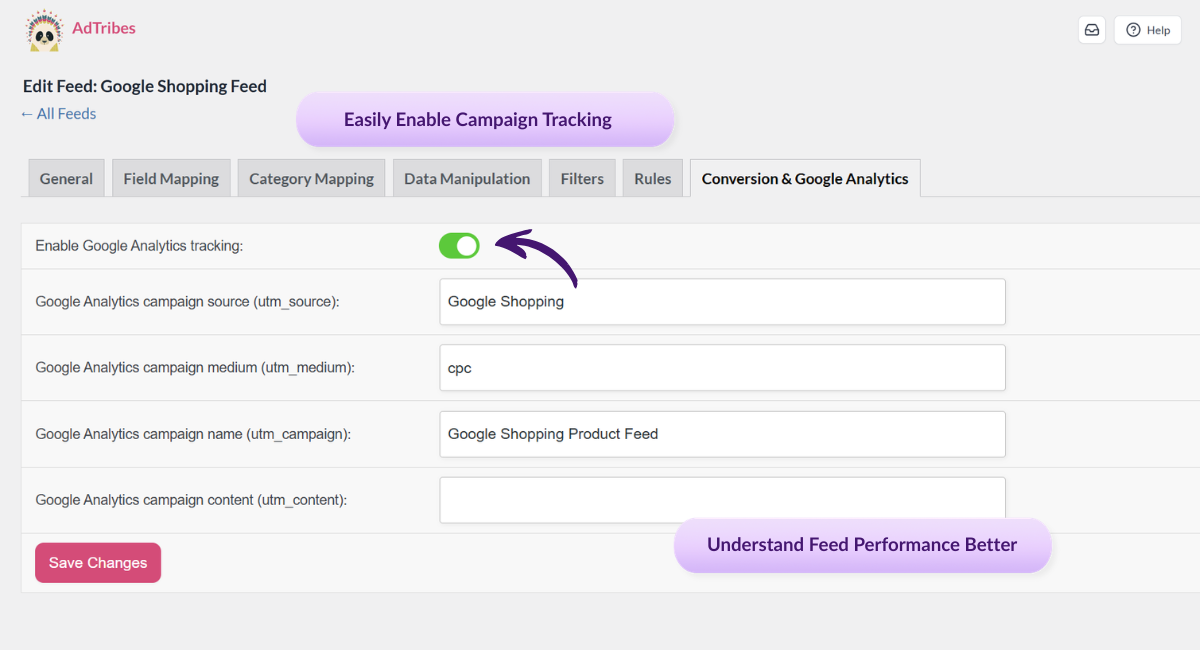
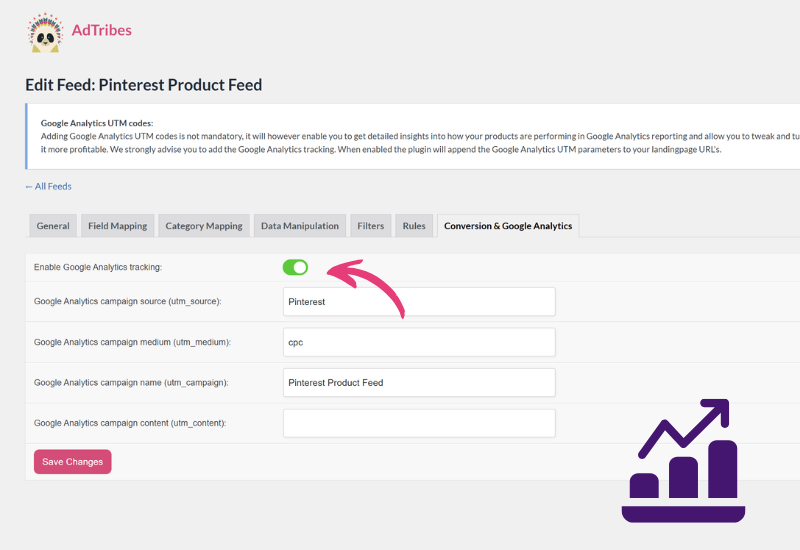
Create a new feed or edit an existing one, then go to the Conversion & Google Analytics tab in the feed setup. That’s where UTM tracking is configured.
📊 Enable Google Analytics Tracking
Turn on the Google Analytics tracking toggle for the feed. Once enabled, AdTribes is ready to append UTM parameters to product URLs in that feed.
📝 Set Your UTM Parameters
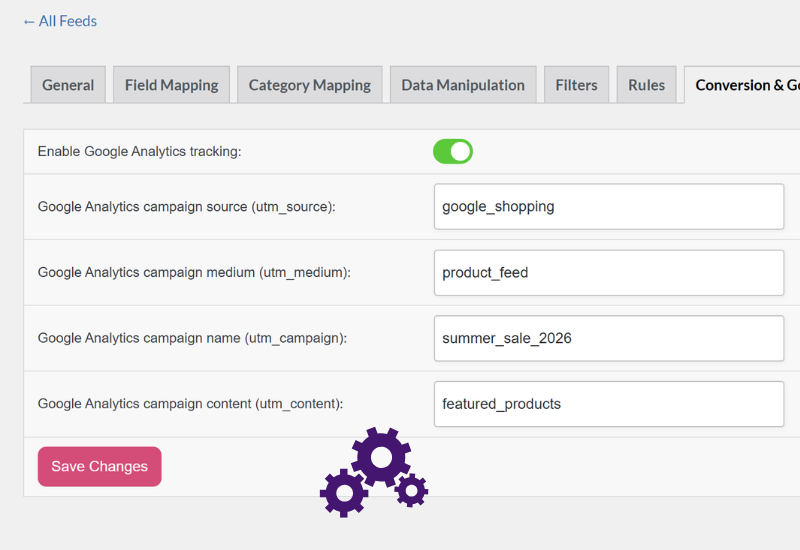
Fill in the campaign fields you want to use, including source, medium, campaign, and content. The utm_term value is handled automatically using the product ID.
💾 Save And Generate The Feed
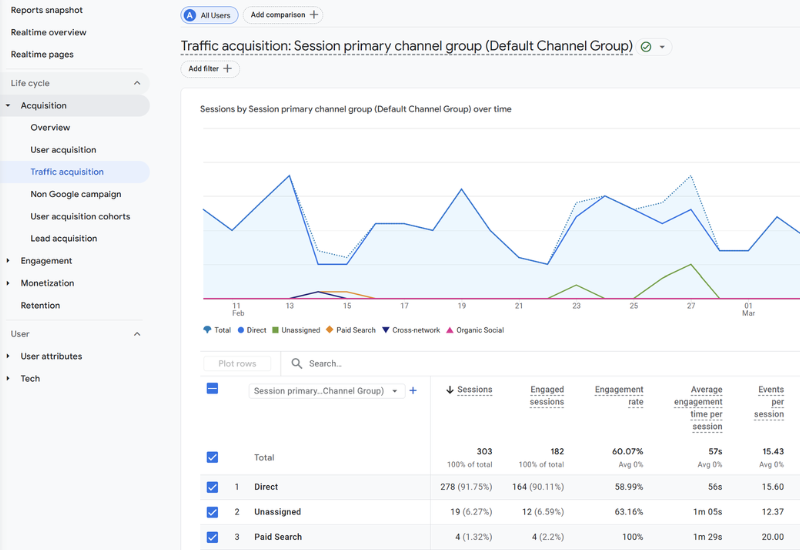
Save your settings and generate the feed. AdTribes will append the UTM tags to product links so you can track feed performance more clearly in Google Analytics.