Reviewed by
Google Shopping free listings are unpaid product placements that can appear across Google at no cost. If you already have a Google Merchant Center account and a product feed, your WooCommerce products may be eligible for free listings once Google can read, approve, and match your product data to relevant searches.
For WooCommerce stores, the biggest opportunity is often the feed behind the listing. Clear titles, accurate pricing, strong images, and complete identifiers give Google better product data to work with, which can help more of your catalog qualify for free product visibility. This guide covers where Google Shopping free listings can appear and how to optimize your product feed so your products have a better chance of getting seen.
What Are Google Shopping Free Listings?
Free listings are unpaid product results that use product details from Merchant Center, including the same feed data used for paid Shopping ads. Instead of bidding for placement, your products need to meet Google’s requirements and be relevant to the searches where they may appear.
The trade-off versus paid ads is control and placement. Paid Shopping ads can appear in sponsored placements, while free listings appear in eligible unpaid placements across Google. They will not replace paid campaigns for competitive terms, but they can add extra product visibility without a click budget.
Where Google Shopping Free Listings Appear
One reason free listings are easy to underestimate is that they are not limited to one Shopping page. Depending on eligibility, product type, country, and account settings, free listings can appear across several Google surfaces:
- The Google Shopping tab, the dedicated shopping results page where shoppers compare products.
- Google Search, where eligible product results can appear for shopping-intent queries.
- Google Images and Google Lens, where product visuals can appear when shoppers search by image or browse product-related visuals.
- YouTube, Gemini, and other Google surfaces, where eligible product listings may appear when Google can match your product data to shopping activity.
- Google Maps and Business Profile surfaces, mainly for eligible local or in-store product listings.
That does not mean every product will show in every place. It means one well-maintained product feed gives Google better data to use across the free listing surfaces where your products are eligible.
What You Need To Qualify For Free Listings
Before your products can qualify, make sure these basics are in place:
- A Merchant Center account with your website verified and claimed.
- Free listings turned on in Merchant Center. Google turns this on by default in many cases, but you can confirm the status in the Free listings card under Marketing methods.
- A compliant product feed with the required attributes — id, title, description, link, image link, price, and availability — which AdTribes Product Feed Pro’s Google Shopping template maps automatically from your WooCommerce data, plus product identifiers (GTIN, MPN, brand) where they apply.
- Shipping and return information that matches what shoppers can find on your website.
- Products and website content that follow Google’s free listings and product data policies.
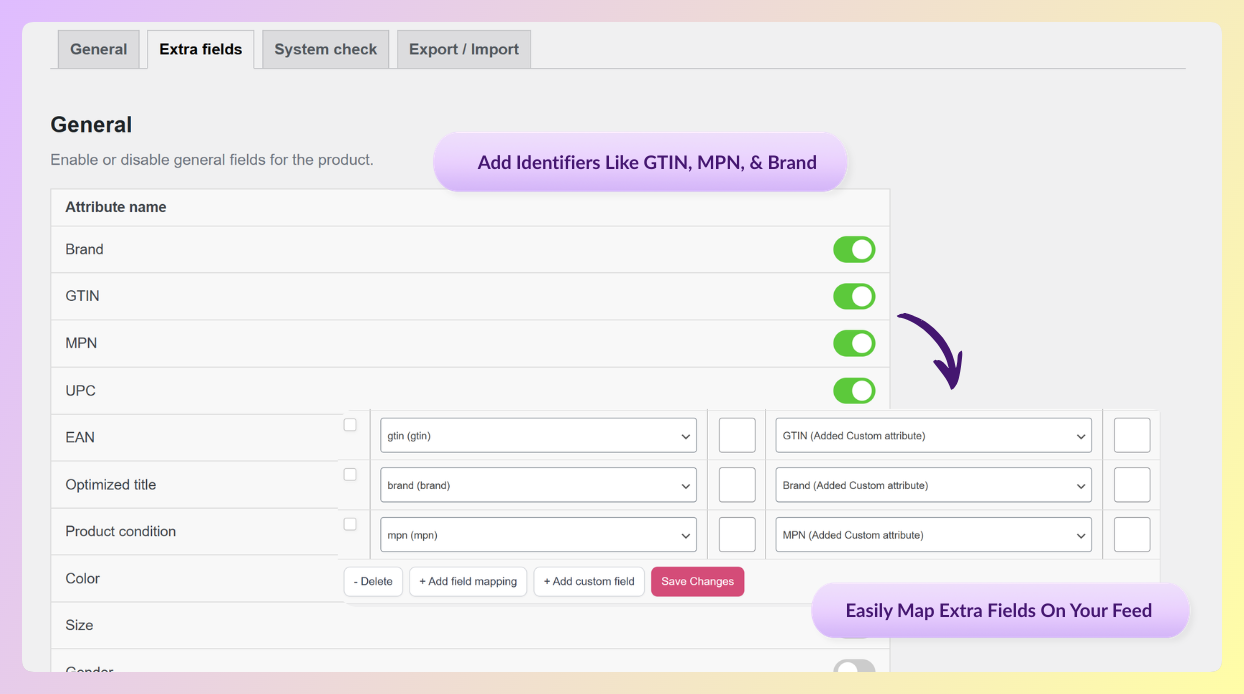
Product identifiers are where a lot of WooCommerce stores get stuck, because WooCommerce has no built-in field for a GTIN, MPN, or brand. AdTribes Product Feed Elite lets you add these identifier fields (along with EAN, UPC, condition, and more) right on the product edit screen, so you can fill them in per product and map them into your feed without custom code.
If you have not connected your store to Merchant Center and submitted a feed yet, our step-by-step WooCommerce Google Shopping setup guide covers the full account, verification, and feed-submission process. Once your feed is submitted, Google reviews your products. Approved products become eligible to show in free listings, but visibility is not guaranteed. From there, your job is to make your product data as clear, complete, and useful as possible.
How To Optimize Your Product Data For Free Listings
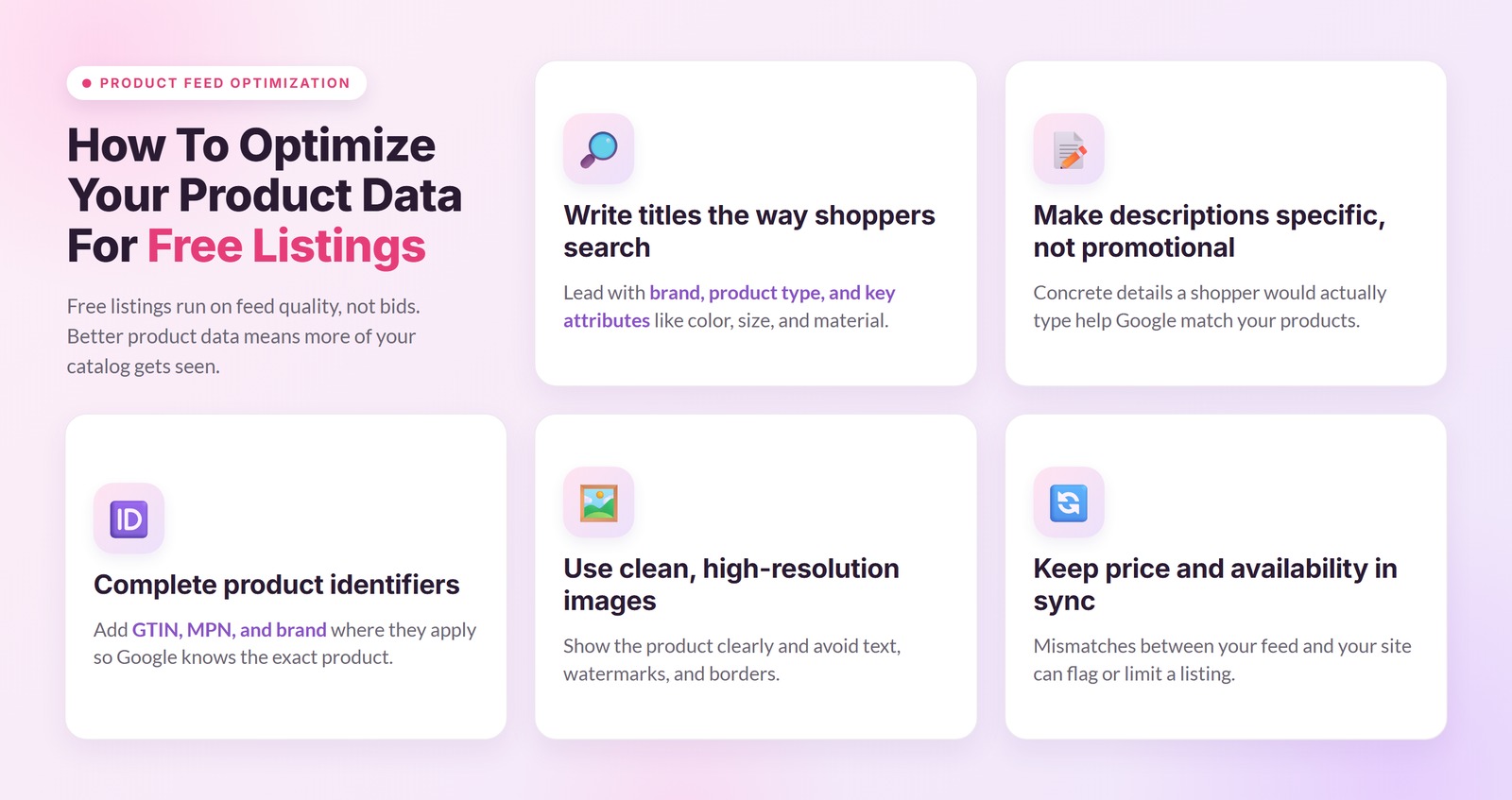
Eligibility is only the starting point. Because free listings do not use bids, the quality and completeness of your product data plays a big role in whether Google can understand your products and match them to relevant searches.
Write titles the way shoppers search
Titles are one of the strongest signals in how free listings get matched to queries. Lead with brand, product type, and attributes people actually search for, such as color, size, material, or gender. A title like “Nike Air Max 90 Running Shoes Black Men’s Size 10” gives Google and shoppers much more context than “Running Shoes.” AdTribes Product Feed Pro’s feed rules let you append brand, color, and size to titles across your catalog, so you can improve product titles without editing them one by one.
Make descriptions specific, not promotional
Describe exactly what the product is, what it does, and who it is for. Google reads descriptions to match products to searches, so the concrete details a shopper would type matter far more than marketing fluff.
Complete product identifiers when they apply
For branded products, identifiers like GTIN, MPN, and brand help Google understand exactly which product you sell and match it to the right searches. If that data already lives in a product attribute or custom field, AdTribes Product Feed Pro can map it straight into your feed; if not, Product Feed Elite’s identifier fields give you a place to store it. When a product genuinely has no manufacturer-assigned identifier, make sure the feed reflects that so Google has the right context.
Use clean, high-resolution images
Google’s image requirements apply to product data used for ads and free listings: images should accurately show the product, avoid promotional text, watermarks, and borders, and use an accepted image format. Better product images can make listings more useful to shoppers, while image issues can limit or prevent visibility.
Keep price and availability in sync
If your feed says “in stock” but your site says otherwise, or the prices disagree, Google can flag or limit the listing for mismatched data. AdTribes Product Feed Pro’s scheduled refreshes and Product Feed Elite’s custom intervals help keep your feed aligned with your live WooCommerce inventory and pricing. For a deeper playbook, see our guide on product feed optimization for maximum reach.
Free Listings vs Paid Google Shopping Ads
Both are powered by product data in Merchant Center; the differences are placement, budget, and control. Free listings cost nothing and can appear in unpaid placements across Google, but you do not control exactly when or where each product appears. Paid Shopping ads require ad spend and give you more control over budget, bidding, campaign structure, and which products you prioritize. For many stores, the practical approach is to enable free listings for extra unpaid visibility, then use paid campaigns when you want more control over reach and promotion. One optimized feed supports both.
Frequently Asked Questions
Are Google Shopping free listings really free?
Yes. There is no charge for eligible products to appear in free listings. You need a verified Merchant Center account, free listings turned on, and a compliant product feed. You pay nothing per click or per impression, but you do need to keep your feed accurate and well-optimized.
How long until my WooCommerce products qualify for free listings?
After your feed is submitted, Google reviews your products for issues. Shopping ads reviews may take a few business days, while review for free listings can take longer in some cases. Once approved, products become eligible to show in free listings, but Google still decides when and where they appear based on relevance, product data, and user demand. No separate paid campaign is needed.
Do I need Product Feed Pro to use free listings?
You need a product feed, and AdTribes Product Feed Pro generates a Google-compliant one from your WooCommerce store for free, with the core product fields mapped automatically. Its feed rules and scheduled refreshes also make title, image, pricing, and availability optimizations easier to maintain.
Can I use free listings and paid Shopping ads at the same time?
Yes. Both use Merchant Center product data, so enabling free listings can add unpaid product visibility while paid campaigns give you more control over budget, bidding, and campaign structure. There is no need to choose one over the other.
Start Improving Your Free Google Shopping Visibility
Free listings can be a valuable source of WooCommerce product visibility, but only when your feed data is complete, accurate, and kept up to date. Get AdTribes Product Feed Pro for free, generate a Google-ready feed from your store, and start improving your titles, images, pricing, and identifiers so your products have a better chance of qualifying for free visibility.