Reviewed by
Looking for the best WooCommerce product feed plugin? We reviewed the leading WooCommerce product feed tools based on their current feature sets, pricing, WordPress.org footprint, and how well they fit different kinds of WooCommerce stores.
If you want the short version, AdTribes is one of the strongest all-around choices for WooCommerce stores that want a plugin-native workflow, flexible feed rules, solid integration coverage, and a clear upgrade path as feed needs get more advanced.
Below, I’ll walk through where each tool fits best, where competitors have real strengths, and where AdTribes still stands out.
Here’s a quick summary if you’re short on time:
| Plugin | Channels | Standout strength | Best for |
|---|---|---|---|
| AdTribes | 250+ | Strong WooCommerce-native balance, with a generous free plugin, flexible rules and filters, category mapping, and a clear Elite upgrade path | Best overall |
| CTX Feed | 220+ | Broad channel coverage and a lower-cost starting point | Budget-friendly reach |
| RexTheme | 200+ | Simpler-feeling setup with feed validation | Easier setup |
| WebToffee | 20+ | Solid support for core sales channels | Smaller channel needs |
| DataFeedWatch | 2,000+ | SaaS scale for larger catalogs and agency workflows | SaaS / enterprise workflows |
What To Look For In A WooCommerce Product Feed Plugin
Before diving into specific plugins, it helps to judge them against a few practical criteria: channel coverage, feed rules, ease of use, pricing, support, and integration depth.
If you rely on Google Shopping or other feed-driven channels, the right plugin can save manual cleanup work and help you avoid preventable product-data issues.
1. Channel coverage
How many advertising and shopping channels does the plugin support? If you’re only running Google Shopping, many plugins can cover the basics. But if you want to expand to TikTok Shop, Pinterest, Bing, comparison shopping engines, or AI shopping surfaces, you need a plugin with comprehensive channel support and pre-configured templates for each one. In 2026, channel coverage also includes AI-ready feed options, such as an OpenAI product feed for ChatGPT. Bing is a common second channel once Google Shopping is running — see our Bing Shopping feed setup guide for the full process.
2. Feed rules and data transformation
This is the feature that separates basic plugins from powerful ones. A rules engine lets you modify product titles, descriptions, prices, and attributes within the feed — without editing your actual WooCommerce products.
For example: automatically prepend the brand name to every product title, or exclude products under $10 from your Google Shopping feed. If a plugin doesn’t have this, you’re stuck manually editing 500+ products every time a channel changes its requirements.
3. Ease of use
Some plugins are built for technical users. Others are built for store owners who just want to connect to Google and get on with their day. Be honest about where you fall on that spectrum.
4. Pricing scalability
Does the price stay flat as your product count grows, or does cost scale with SKUs? WooCommerce plugins typically charge flat annual rates — SaaS tools often charge per product or per feed, which gets expensive fast.
5. Support quality
A plugin that breaks your Google Shopping feed on Black Friday and takes 48 hours to respond to a ticket is a liability. Look at review sentiment around support, not just the star rating.
6. Integration depth
Does the plugin work with WPML, Polylang, Aelia Currency Switcher, and other WooCommerce extensions you already use? Multi-language and multi-currency stores have specific requirements that most plugins handle poorly.
The 5 Best WooCommerce Product Feed Plugins In 2026
I reviewed each tool based on its current positioning, feature set, pricing model, WordPress.org footprint where relevant, and overall fit for different WooCommerce store types. Here’s what I found:
1. AdTribes: Best overall
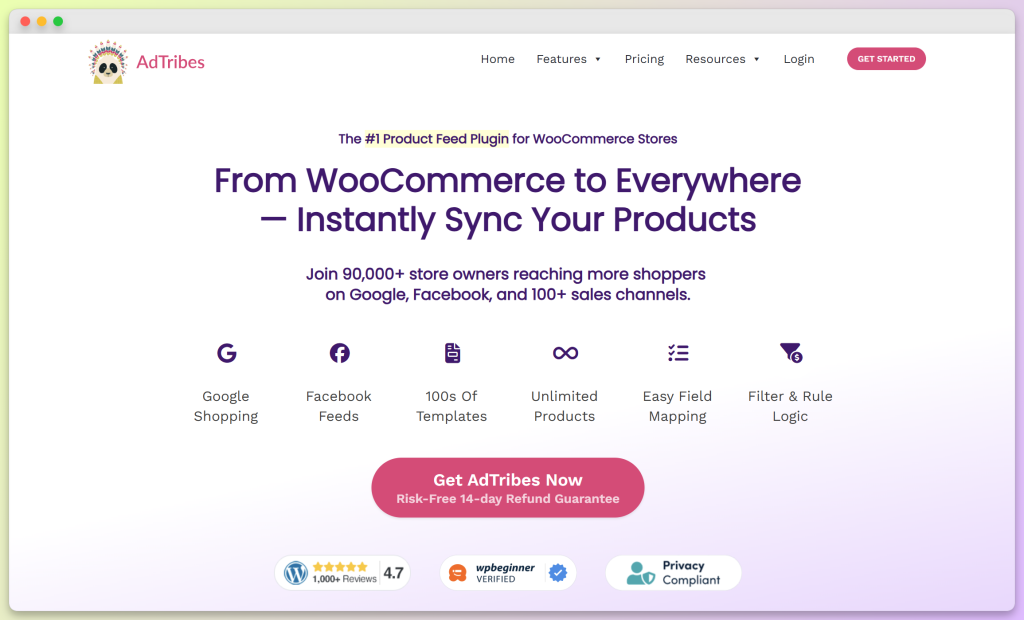
AdTribes Product Feed Pro is the free plugin, and it already includes unlimited product feeds, unlimited products, 250+ pre-configured feed templates, custom rules and filters, category mapping, and support for variable products.
AdTribes Product Feed Elite builds on that foundation with feed validation, custom refresh intervals, extra product data fields, broader integration support, and higher site limits for more advanced WooCommerce setups.
Key features:
- 250+ pre-configured feed templates — Google Shopping, Meta/Facebook, TikTok Shop, Pinterest, Instagram, Bing, Snapchat, OpenAI/ChatGPT, and many comparison shopping engines and marketplaces
- Advanced feed rules engine — IF/THEN logic to modify any product field without touching WooCommerce product data. Prepend brand names, fix missing descriptions, exclude categories, set custom labels
- Feed Validator — One of AdTribes’ strongest advanced features for checking feed issues before submission. It helps surface missing GTINs, pricing mismatches, and other product-data problems earlier in the workflow.
- OpenAI product feed — Generate AI-powered product discovery feeds using ChatGPT, helping products surface in AI shopping results
- Auto feed refresh — Feeds update automatically on a schedule you control (Elite plans)
- GTIN, MPN, EAN support — Proper identifier fields for Google Shopping compliance
- Multi-language and multi-currency — Multilingual feeds via the Feed Translation Addon (WPML, Polylang, TranslatePress) and multi-currency feeds via the Product Feed Multi-Currency Addon (Aelia Currency Switcher, Curcy, WCML, FOX), both on the Plus and Business plans
Pricing:
| Plan | Price | Sites | What you get |
|---|---|---|---|
| Free | $0 | Free plugin | Unlimited products and feeds, 250+ pre-configured feed templates, custom rules and filters, category mapping, and variable product support |
| Elite Growth | $99.50/yr | 1 site | Custom refresh intervals, advanced rules and filters, product data manipulation, extra fields like GTIN, MPN, and EAN, and structured data fixes |
| Elite Plus | $179.50/yr | 3 sites | Everything in Growth, plus Feed Validator, the Feed Translation Addon, the Product Feed Multi-Currency Addon, and 20+ officially supported integrations |
| Elite Business | $249.50/yr | Unlimited sites | Everything in Plus, plus WordPress multisite compatibility and priority email support |
All paid plans include a 14-day money-back guarantee — no questions asked.
Pros:
- One of the strongest all-around WooCommerce-native feed options
- Feed Validator is one of AdTribes’ strongest differentiators for stores that want tighter feed oversight
- Advanced rules engine that gives WooCommerce stores more feed control without moving to a SaaS workflow
- OpenAI feed integration for AI-powered product discovery
- Strong multi-language/multi-currency support
- 80,000+ installs and 1,044 reviews — large, proven user base
Cons:
- The free plugin is generous, but advanced stores may still want Elite for Feed Validator, custom refresh intervals, extra product fields, and broader integration support
- If you only need a very simple first feed, lighter tools may feel a bit faster to learn
- Some of the more advanced capabilities are reserved for Elite plans
- It’s not the raw channel-count leader if that’s your main priority
AdTribes stands out less on raw channel count and more on overall balance. The free plugin already gives stores substantial feed control, while Elite adds Feed Validator, extra product data fields, custom refresh intervals, broader integration support, and multi-site licensing. For WooCommerce stores that want to stay inside WordPress while still getting deeper feed control, that combination is what makes AdTribes such a strong long-term choice.
Best for: WooCommerce stores selling on 3+ channels, stores that need data transformation without manual product editing, agencies managing multiple client stores, and any store running Google Shopping who wants to catch feed errors before they cause GMC suspensions. Not sure if you need the free or paid version? See the Product Feed Pro Free vs Elite comparison.
2. CTX feed: Best budget option
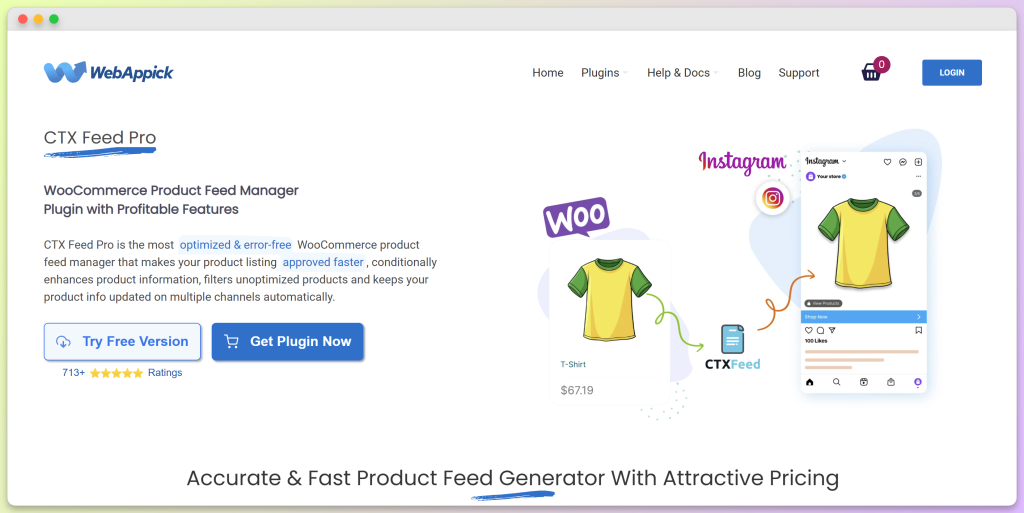
CTX Feed (by WebAppick) is AdTribes’ closest direct competitor in the WooCommerce plugin space. It has 70,000+ active installs and a 4.6-star rating on WordPress.org.
Key features:
- 220+ channel templates including Google Shopping, Facebook Catalog, and more
- Basic feed filtering and rules
- Scheduled feed updates
- WooCommerce variable product support
- Compatibility with WooCommerce Subscription and several multilingual, multicurrency, and custom-field plugins
Pricing: Free tier available. Pro plans from $119/year for a single site (lifetime license available at $300).
Pros:
- Generous free tier with decent channel coverage
- Slightly simpler interface than AdTribes — faster to get a first feed live
- Good Google and Meta support
- Large user community
Cons:
- Rules engine is less powerful than AdTribes — fewer conditions and actions available
- No equivalent to AdTribes’ Feed Validator
- Fewer official integrations with third-party WooCommerce plugins
CTX Feed is a credible option for stores that want broad channel coverage and a lower-cost entry point. AdTribes makes a stronger case for stores that want more room to grow, thanks to its clearer upgrade path, wider integration support, and Feed Validator on higher tiers.
Best for: Smaller stores that primarily need Google Shopping and Facebook/Meta, budget-conscious store owners who want a solid free option with room to upgrade, beginners who want a slightly simpler initial setup.
3. RexTheme Product Feed Manager: Best for simpler store setups
RexTheme’s Product Feed Manager (plugin slug: best-woocommerce-feed) has 10,000+ active installs and a 4.8-star rating from 247 reviews. It’s consistently praised for its clean, intuitive interface.
Key features:
- 200+ marketplace templates
- Basic feed rules and filtering
- Built-in feed validation
- Google Shopping, Facebook, and major channel support
- Scheduled feed generation
Pricing: Free tier available. Paid plans start at $79.99/year for 1 site, with lifetime licenses starting at $199.99.
Pros:
- A solid fit for stores that want a simpler-feeling setup
- Quick setup — first feed is quick to set up
- Highly rated for ease of use
Cons:
- Rules engine is basic — limited transformation options
- Less extensive third-party plugin compatibility vs AdTribes
- Fewer enterprise features
Best for: True beginners who want the simplest possible path from WooCommerce to Google Shopping or Facebook. If you have one store, 1-2 channels, and no complex data requirements, RexTheme gets you there fast.
4. WebToffee Product Feed: Best for core sales channels
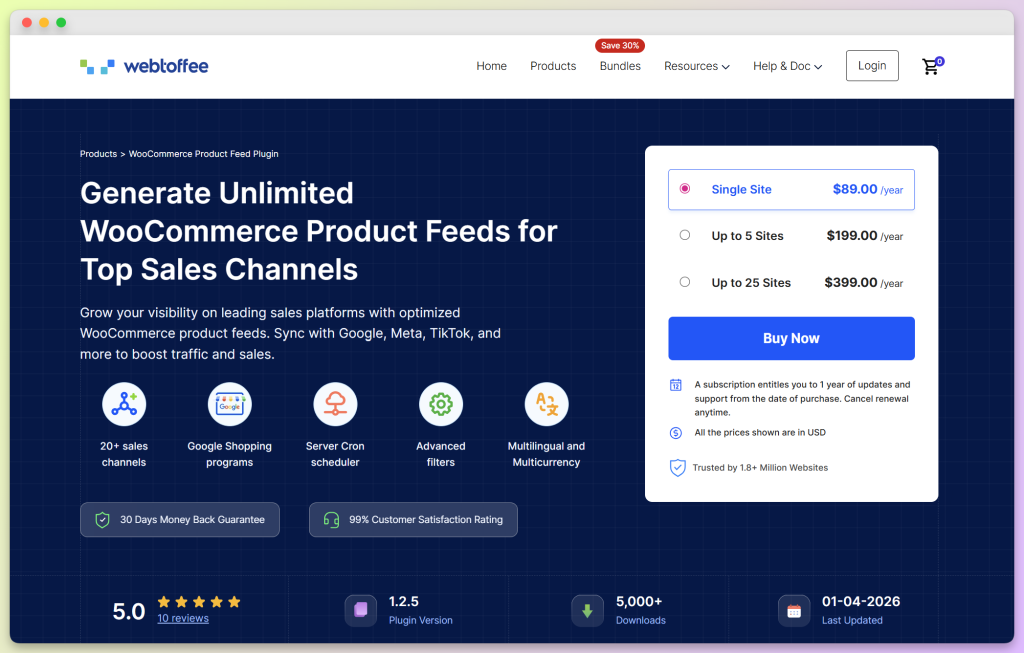
WebToffee is a well-regarded WooCommerce plugin developer with a solid reputation for quality. Their product feed plugin has 2,000+ active installs with a 4.8-star rating from 26 reviews — a smaller but highly satisfied user base.
Key features:
- Google Shopping, Facebook/Instagram, TikTok, Pinterest, Bing, and other core channel support
- Basic filtering and rules
- Scheduled feed updates
- Clean WooCommerce-native feel
Pricing: Premium plans start at $89/year for 1 site, with 5-site and 25-site plans at $199/year and $399/year.
Pros:
- Very clean, WooCommerce-native integration feel
- Solid Google and Meta support
- WebToffee’s reputation for quality development and support
- Good documentation
Cons:
- Smaller channel library than AdTribes, CTX Feed, and RexTheme
- Less mature product compared to AdTribes or CTX Feed
- Smaller community means fewer community resources and tutorials
- Limited advanced features
Best for: Stores focused on a smaller set of major sales channels who want a clean, well-supported WooCommerce plugin.
5. DataFeedWatch: Best for enterprise/SaaS users
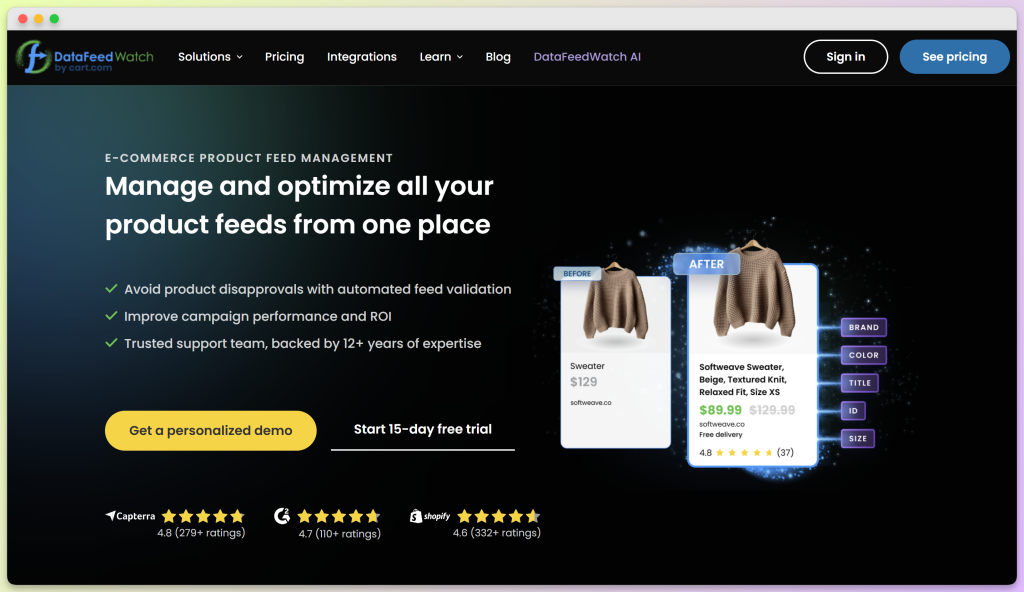
Important distinction: DataFeedWatch isn’t a WordPress plugin but a SaaS (software as a service) platform connecting to your WooCommerce store via API. This significantly impacts the pricing model, setup, and target user.
If you’re comparing WooCommerce-native plugins with larger SaaS feed platforms, our Feedonomics alternative for WooCommerce guide breaks down when a simpler plugin-based setup may be a better fit.
Key features:
- 2,000+ channel integrations — the largest library of any tool in this comparison
- Advanced data transformation rules
- Multi-store and multi-country management
- Dedicated account management for enterprise plans
- Extensive analytics and reporting
Pricing: DataFeedWatch uses tiered plans based on SKU and shop limits, with Shop, Merchant, Agency, and Enterprise plans, plus a 15-day free trial. Unlike WooCommerce plugins with flat annual fees, its pricing is tied more closely to catalog size and overall scale.
Pros:
- Unmatched channel library (2,000+)
- Enterprise-grade transformation rules
- Best-in-class for agencies managing dozens of client accounts
- Advanced analytics
Cons:
- Not WooCommerce-native — requires API setup and ongoing connection maintenance
- Overkill for most SMB WooCommerce stores
- No WordPress dashboard integration
Best for: Larger catalogs, agencies, and teams that specifically want a SaaS-first feed-management workflow.
Which WooCommerce Product Feed Plugin Should You Choose?
The honest answer: it depends on your store’s specific situation. Here’s the decision framework.
Choose AdTribes if:
- You want to sell on 3 or more channels
- You need a rules engine to fix or enrich product data without manually editing hundreds of products
- You want a Feed Validator to catch errors before they trigger a Google Merchant Center suspension
- You sell internationally and need multi-language or multi-currency feed support
- You’re an agency or freelancer managing multiple WooCommerce stores (the Business plan covers unlimited sites)
Choose CTX Feed if:
- Your budget is tight and the free tier is sufficient for now
- You only need Google Shopping and Facebook/Meta
- You prefer a slightly simpler initial setup experience
- You plan to stay on a smaller number of channels
Choose RexTheme if:
- You’re completely new to product feeds and want the fastest, simplest setup
- You have a single store and 1-2 channels
- Interface simplicity matters more to you than feature depth
Choose WebToffee if:
- You’re focused on a smaller set of major sales channels rather than the widest possible channel library
- You want a clean, well-documented plugin from a focused WooCommerce developer
Choose DataFeedWatch if:
- You’re running a large enterprise catalog (10,000+ SKUs)
- You need agency-level controls and dedicated account management
- You’re managing many stores for clients and budget scales with your revenue
- You need access to 2,000+ channels beyond what WordPress plugins offer
For the majority of WooCommerce store owners — especially those growing from one channel to many — AdTribes hits the best balance of power, price, and ease of use. The free tier lets you get started with zero risk, and the Elite plans are priced far below comparable SaaS tools.
You can optimize your product feed from day one, and scale across 250+ pre-configured feed templates without switching tools.
Frequently Asked Questions
Is there a free WooCommerce product feed plugin?
Yes. AdTribes Product Feed Pro, CTX Feed, RexTheme, and WebToffee all offer free WordPress.org versions. AdTribes Product Feed Pro includes unlimited feeds, unlimited products, 250+ pre-configured feed templates, rules and filters, category mapping, variable product support, and an OpenAI/ChatGPT feed channel in current versions. AdTribes Product Feed Elite is an optional paid upgrade for advanced features like Feed Validator, custom refresh intervals, extra product fields, broader integrations, and higher site-license coverage.
Can I create an OpenAI product feed for ChatGPT from WooCommerce?
Yes. With AdTribes Product Feed Pro or AdTribes Product Feed Elite, you can create an OpenAI product feed from WooCommerce, map the required product fields, generate the feed URL, and submit it through OpenAI’s merchant tools. This gives AI shopping systems a structured catalog they can read, including details like product titles, prices, images, availability, and product URLs.
Can I switch between product feed plugins without losing my feeds?
Switching plugins usually means rebuilding your feed configurations in the new tool, even though your WooCommerce product data stays intact. The safest approach is to rebuild and test your new feeds before fully switching over, rather than assuming configurations will transfer automatically.
Which product feed plugin supports the most channels?
For WooCommerce-native product feed plugins, AdTribes Product Feed Pro is one of the strongest options, with 250+ pre-configured feed templates for channels like Google Shopping, Meta/Facebook, TikTok, Pinterest, Bing, OpenAI/ChatGPT, and many comparison shopping engines. SaaS platforms like DataFeedWatch may support larger channel libraries, but they use a different setup and pricing model than a plugin installed directly inside WordPress.
Do I need a product feed plugin for Google Shopping?
Yes. To run Google Shopping ads, you need to submit a product data feed to Google Merchant Center. That feed must be formatted to Google’s specifications — correct field names, required attributes (title, price, availability, GTIN), and a regularly updated URL. A product feed plugin automates all of this. Without one, you’d need to manually export a CSV and reformat it every time your products change.
Do I need a product feed plugin if I use Google for WooCommerce?
Google for WooCommerce is useful if your main goal is syncing products to Google Merchant Center and running Google-focused listings or ads. A dedicated product feed plugin is a better fit when you want to manage feeds beyond Google, create custom feed files, apply flexible rules and filters, or support additional channels like Meta, Bing, TikTok, Pinterest, comparison shopping engines, and OpenAI/ChatGPT.
What’s the difference between a WooCommerce product feed plugin and a SaaS tool like DataFeedWatch?
A WooCommerce plugin installs directly inside your WordPress dashboard and connects to your product data natively. Pricing is typically a flat annual fee regardless of product count. A SaaS tool like DataFeedWatch connects to your store via API, runs on their servers, and usually charges based on the number of products or feeds — costs scale significantly as your catalog grows. For most SMB WooCommerce stores, a WooCommerce plugin is the better value. SaaS tools make more sense for enterprise operations or agencies managing many stores at once.
Wrapping Up
There’s no shortage of WooCommerce product feed tools, but they’re not equally strong once you look beyond surface-level feature lists.
For most WooCommerce stores, AdTribes is the best overall choice. It gives you a generous free plugin to start with, then adds the kinds of advanced features growing stores actually need: flexible rules and filters, category mapping, broader integration support, multilingual and multi-currency support through the Feed Translation Addon and the Product Feed Multi-Currency Addon on the Plus and Business plans, plus Feed Validator for tighter feed oversight. That combination makes it one of the most complete WooCommerce-native solutions in this space.
If you want a plugin that can handle today’s feed needs and still support your store as it grows, AdTribes is the strongest place to start. Start with the free plugin, build a few feeds, and see how it works with your store’s products, channels, and day-to-day workflow.