Reviewed by
If you run a WooCommerce store and you’ve looked at Feedonomics, you may have noticed a common mismatch: it is a powerful feed management platform, but it is often more than a typical WooCommerce store needs. For stores that want a simpler, WooCommerce-native way to create accurate product feeds, AdTribes Product Feed Pro is the strongest Feedonomics alternative to start with. It gives you the core feed tools most WooCommerce stores need without adding enterprise-level cost, setup time, or platform complexity.
In this guide, we’ll compare the strongest Feedonomics alternatives for WooCommerce stores, explain where each tool fits, and show when Feedonomics may still be worth considering. We’ll also walk through a practical migration checklist if you’re planning to switch, so you can choose the right tool with more clarity and less guesswork.
Why Store Owners Look For Feedonomics Alternatives
Many store owners look for a Feedonomics alternative because the platform is designed for larger, more complex feed operations. Feedonomics can be a strong fit for enterprise retailers and agencies that manage product data across many channels, but a typical WooCommerce store may not need that level of platform depth or managed service.
Common reasons include:
- Pricing is built for larger teams. Feedonomics uses custom quote pricing, which can make sense for enterprise retailers but may feel disproportionate for smaller WooCommerce stores with simpler feed needs.
- Setup may involve more support and coordination. Feedonomics is designed for managed, complex feed operations. Many WooCommerce store owners prefer a tool they can install, configure, and manage directly inside WordPress.
- It is not WooCommerce-native. Feedonomics is a separate SaaS platform. A native WooCommerce plugin can generate feeds directly from the product data already stored in WordPress.
- Some stores only need core shopping feeds. If your main goal is to create clean feeds for channels like Google Shopping, Meta, Bing, TikTok, or Pinterest, an enterprise feed platform may add more complexity than you need.
- Agencies may want a simpler per-site workflow. For small WooCommerce-focused agencies, a plugin-based setup can be easier to repeat across client stores than a separate SaaS implementation.
The 5 Best Feedonomics Alternatives For WooCommerce Stores
For most WooCommerce stores, the right Feedonomics alternative is a WooCommerce-native plugin. SaaS competitors can still make sense for very large catalogs or multi-platform brands, but the trade-off is significantly higher cost and longer setup. Here are the five strongest options ranked by use case.
1. AdTribes Product Feed Pro: best for WooCommerce stores
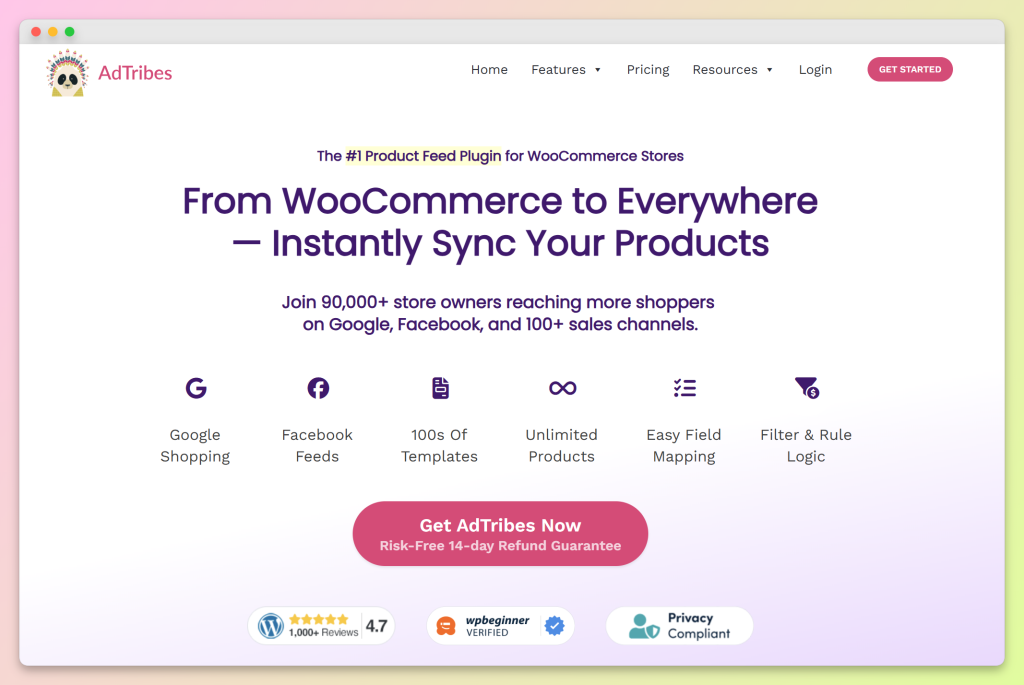
AdTribes Product Feed Pro is the strongest Feedonomics alternative for WooCommerce stores that want a native, self-managed feed workflow. It runs inside WordPress, supports 250+ ready-made feed templates, and lets you create unlimited products and feeds in the free plugin. That makes it a practical fit for stores that want to launch product feeds without moving their catalog into a separate enterprise SaaS platform.
Setting up a feed is straightforward: install the plugin, choose a channel template, review your field mapping, map your categories to the channel taxonomy, and use the generated feed URL in the channel you want to connect. You stay inside WordPress for the main setup, which keeps the workflow familiar for WooCommerce store owners.
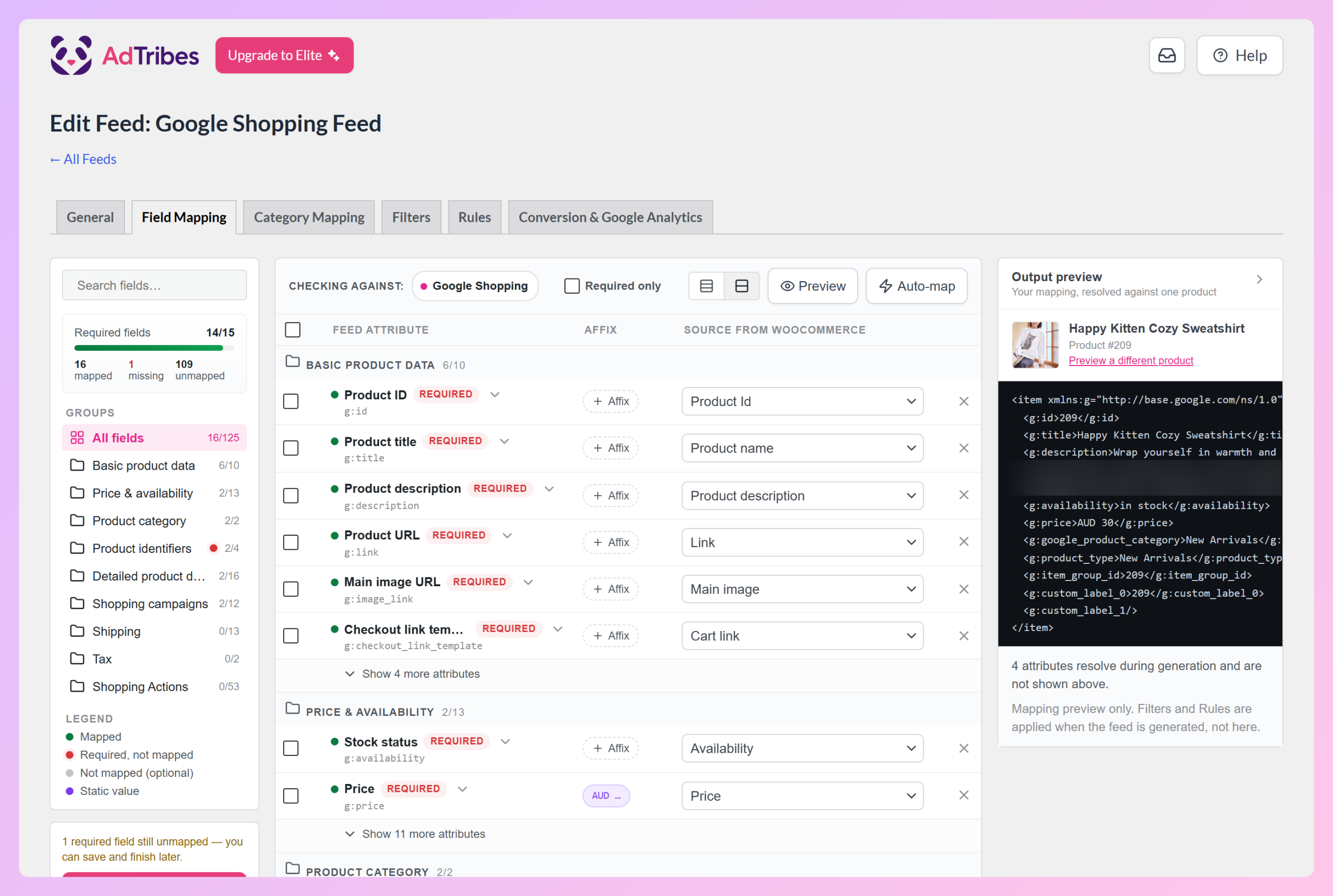
For stores that grow into more advanced needs, AdTribes Product Feed Elite adds features like product data manipulation, extra product fields, custom refresh intervals, and premium support.
Paid plans start at $99.50/year for the first year on the Growth plan, while the Feed Validator is available on Plus and Business plans. That gives WooCommerce stores a more incremental upgrade path than moving straight into a custom-priced enterprise platform.
2. GoDataFeed: best for multi-platform brands
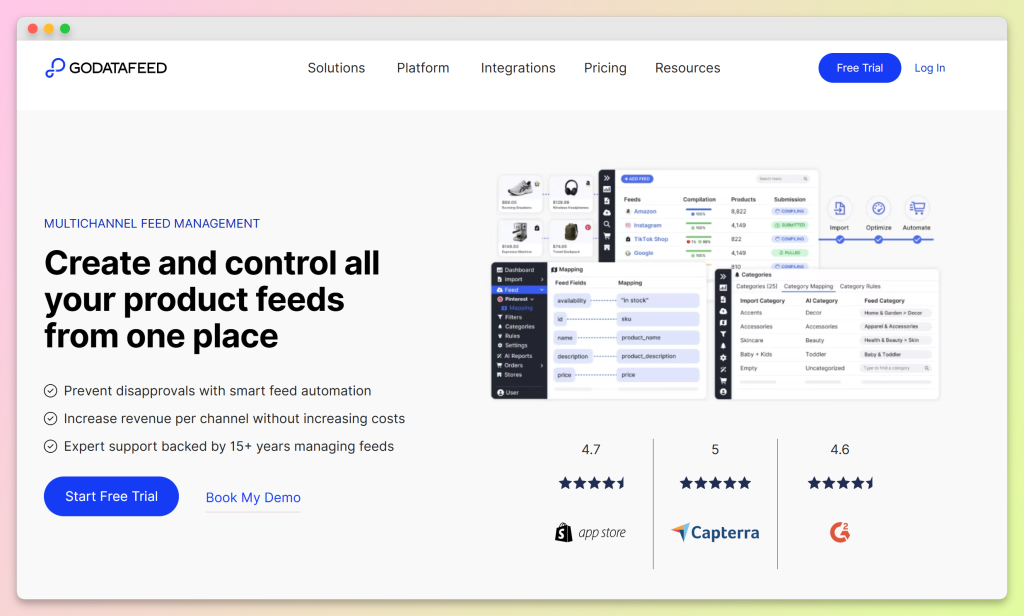
GoDataFeed is a SaaS feed management platform that supports WooCommerce, Shopify, Magento, and BigCommerce from a single dashboard. If you run multiple stores on different platforms and want one tool to manage all of them, GoDataFeed is a credible Feedonomics alternative without the enterprise minimums.
The trade-off is the usual SaaS one: monthly recurring cost, a separate platform to log into, and a sync layer between your store and your feeds. For pure-play WooCommerce stores, that added layer may not be necessary if a native plugin already covers the channels you need.
3. DataFeedWatch: best for very large catalogs
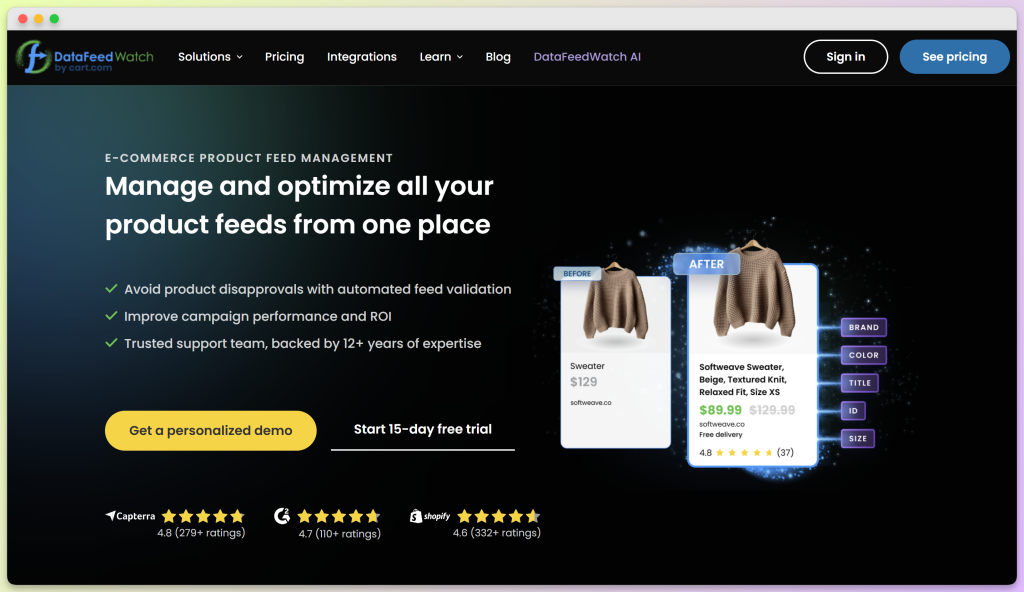
DataFeedWatch is known for broad SaaS feed management coverage, with support for more than 2,000 shopping channels, marketplaces, and price comparison sites. For stores selling on many regional marketplaces or affiliate networks, that depth can be useful. Pricing varies by plan limits such as SKU count, shop count, and feed count, so larger or more complex setups can become significantly more expensive than a WooCommerce-native plugin.
If you’re already on Feedonomics and mainly need broad channel coverage, DataFeedWatch is one of the closer SaaS alternatives to compare. For a closer head-to-head, see our roundup of the best WooCommerce product feed tools where we cover where DataFeedWatch fits and where AdTribes gives WooCommerce stores a simpler, more cost-effective way to cover core product feed needs.
4. Channable: best for European multichannel
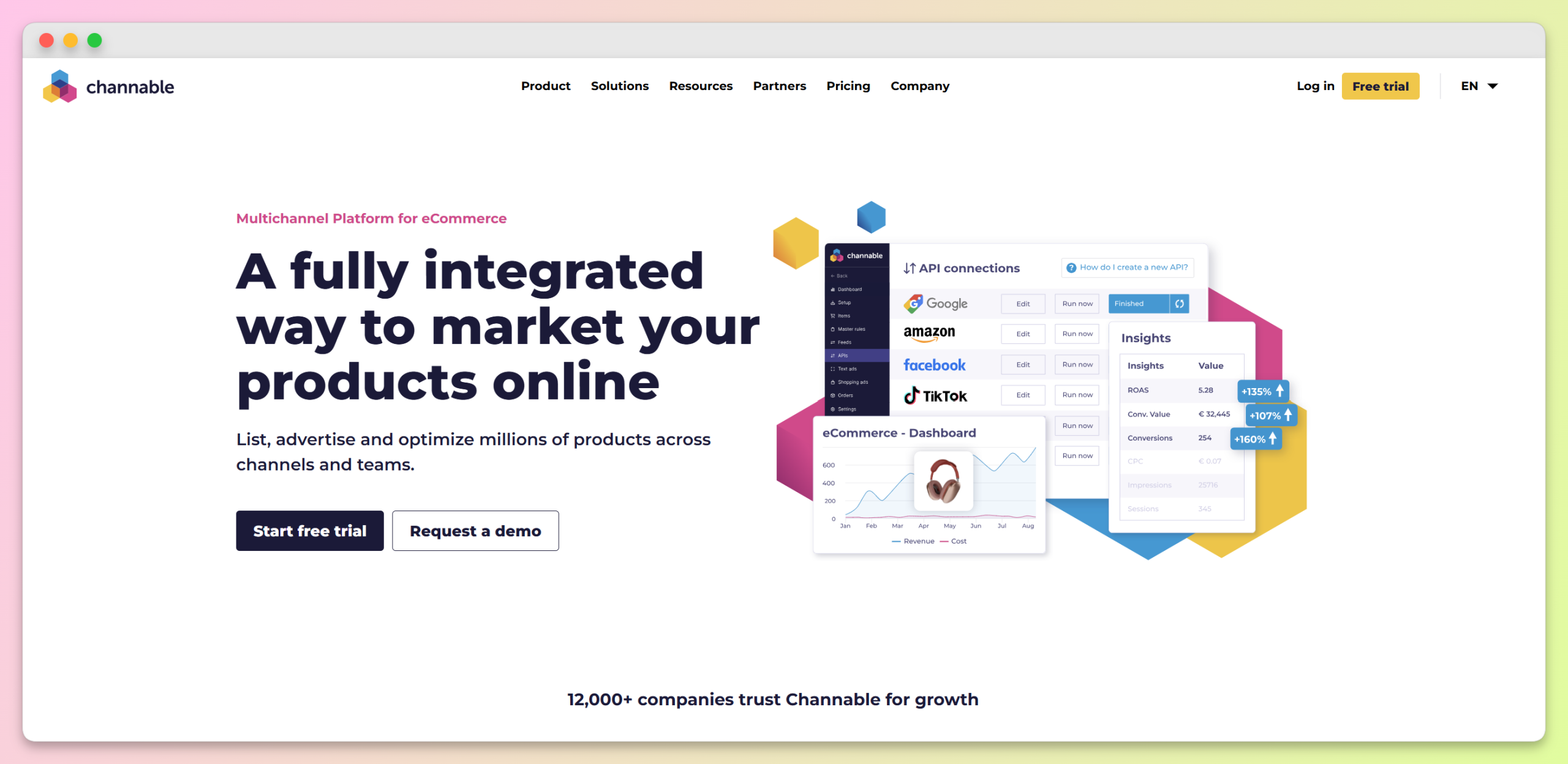
Channable is a European feed management and PPC platform with strong coverage of regional comparison shopping engines and marketplaces — Idealo, Bol.com, Kelkoo, Skroutz, and similar. If your store sells primarily in Europe and you need deep coverage of price-comparison sites, Channable is a strong option to compare.
For US-based or more straightforward WooCommerce stores, Channable may be more platform than you need. If your main goal is to create reliable product feeds for common shopping and social channels, a WooCommerce-native plugin is usually a simpler and more cost-effective fit.
5. CTX Feed Pro: budget WooCommerce-only alternative
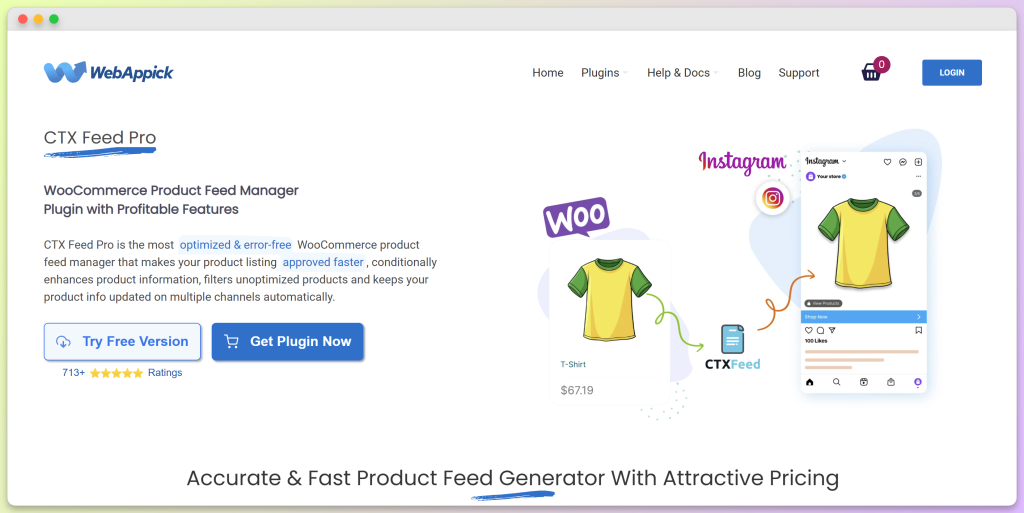
CTX Feed Pro is another WooCommerce plugin in the same general space as AdTribes. It supports a wide range of channels and offers both annual and lifetime license options, which some buyers may prefer. We’ve covered the trade-offs in detail in our AdTribes vs CTX Feed comparison, but the short version is that AdTribes has a stronger free tier with no product or feed limits, strong long-term feature depth through Product Feed Elite, and a larger active user base on WordPress.org.
Feature Comparison: Feedonomics Vs The Top Alternatives
Here’s how the alternatives compare on the dimensions that matter most to WooCommerce stores: platform fit, pricing model, channel coverage, and setup path.
- AdTribes Product Feed Pro: WooCommerce plugin. Free plugin available, with AdTribes Product Feed Elite plans starting at $99.50/year for the first year. 250+ ready-made feed templates. Self-service setup inside WordPress. Native WooCommerce data with no separate SaaS catalog sync required. Free plugin supports unlimited products and feeds.
- Feedonomics: SaaS feed management platform. Custom quote pricing. Built for more complex product data management across advertising channels, marketplaces, and AI surfaces. Best suited for larger retailers, agencies, and teams that want managed feed services.
- GoDataFeed: SaaS feed management platform. Monthly subscription pricing starts at $39/month, with SKU, feed, and sync limits depending on the plan. Useful for brands that want one external dashboard across multiple ecommerce platforms.
- DataFeedWatch: SaaS feed management platform. Supports 2,000+ shopping channels, marketplaces, and price comparison sites. Plans vary by SKU count, shop limits, and feed limits, making it a stronger fit for stores that need broad channel coverage beyond core WooCommerce feed needs.
- Channable: SaaS feed management and PPC platform. Pricing depends on package, Core plan, and optional modules. Strong fit for European and multichannel retailers that need marketplace, comparison shopping, PPC, or CSS-focused workflows.
- CTX Feed Pro: WooCommerce plugin. Annual single-site Pro license starts at $119/year, with lifetime licensing available separately. 220+ channel templates. Setup happens inside WordPress. Free plugin exists, with Pro features available through paid plans.
The pattern is clear: WooCommerce plugins like AdTribes Product Feed Pro and CTX Feed Pro are usually simpler and more cost-effective for stores that mainly need reliable shopping feeds from WooCommerce. SaaS platforms like Feedonomics, GoDataFeed, DataFeedWatch, and Channable can earn their cost when you need broader channel coverage, managed services, marketplace workflows, or multi-platform catalog management. For many WooCommerce stores, though, a native plugin is the more practical starting point.
Which Feedonomics Alternative Fits Your Store?
Picking the right Feedonomics alternative depends less on feature volume and more on how your business actually runs. Here’s a decision framework based on the kind of store you have:
- WooCommerce store focused on Google Shopping, Meta, Bing, TikTok, or Pinterest: AdTribes Product Feed Pro. Strongest fit for stores that want a native WordPress workflow, unlimited free feeds/products, and a clear upgrade path.
- Multi-platform brand running WooCommerce plus Shopify or another ecommerce platform: GoDataFeed. The cross-platform dashboard may be worth the added SaaS layer.
- Large catalog with global marketplace or affiliate network needs: Feedonomics or DataFeedWatch. These make more sense when channel breadth, managed services, or complex feed optimization matter more than WooCommerce-native simplicity.
- European-focused store with heavy comparison shopping, marketplace, PPC, or CSS needs: Channable. Its regional and multichannel focus gives it a clear lane.
- WooCommerce store on a tight budget with core feed needs: AdTribes Product Feed Pro free plugin. It is a strong starting point because it supports unlimited products and feeds.
- WooCommerce agency managing multiple client stores: AdTribes Product Feed Elite Business plan. The unlimited site license makes it easier to manage feed tools across a client portfolio.
How To Migrate From Feedonomics To AdTribes
If you’ve decided to switch from Feedonomics to AdTribes Product Feed Pro, the safest approach is to document your current feed setup, recreate the key mappings carefully, and validate the new feed before changing your primary data source in Merchant Center. Use this five-step plan as a practical migration checklist.
Step 1: Document your Feedonomics feed configurations
Inside Feedonomics, document each active feed: the channel, field mappings, category mappings, and any custom rules or transformations. Keep this as a reference while you recreate the same feed logic in AdTribes.
Step 2: Install AdTribes Product Feed Pro and pick your channel templates
Install AdTribes Product Feed Pro from the WordPress plugin directory, then go to Product Feed → Create feed. Pick the channel that matches each Feedonomics feed you’re replacing, such as Google Shopping, Meta, Bing, TikTok, or Pinterest. The plugin pre-fills the required fields for each channel, and the Required fields counter on the Field Mapping tab shows anything still missing before you generate your feed.
Step 3: Recreate category and attribute mapping
For each feed, map your WooCommerce categories to the channel’s taxonomy. In AdTribes Product Feed Pro, you can match your store categories to the appropriate Google product categories and adjust the mapping where needed. For more on this, see our guide to WooCommerce category mapping.
Step 4: Validate the new feed before switching
Before changing your primary data source, generate the new AdTribes feed URL and review it carefully. Compare product counts, required fields, category mappings, prices, availability, and any known Merchant Center issues against your existing setup. This helps you catch mapping differences before the new feed becomes the main source Merchant Center relies on.
Step 5: Switch over and phase out the old setup
Once you’ve validated the new feed, update your primary data source in Merchant Center to use the AdTribes feed URL. Keep an eye on Merchant Center diagnostics after the change, especially for issues related to required attributes, category mapping, pricing, availability, and product identifiers. If anything looks off, adjust the feed settings in AdTribes before phasing out your old Feedonomics setup.
A careful validation step is worth the extra time. It helps you catch mapping differences before they affect active product listings.
Frequently Asked Questions About Feedonomics Alternatives
What is the best Feedonomics alternative for WooCommerce?
For many WooCommerce stores, AdTribes Product Feed Pro is the strongest Feedonomics alternative to start with. It is a native WooCommerce plugin, runs inside WordPress, supports unlimited products and feeds in the free plugin, and gives store owners a simpler way to create shopping feeds without moving their catalog into a separate enterprise SaaS platform.
Is Feedonomics overkill for a small or mid-size WooCommerce store?
It can be. Feedonomics is built for more complex feed operations, especially larger retailers, agencies, and teams that want managed feed services. A smaller WooCommerce store that mainly needs feeds for channels like Google Shopping, Meta, Bing, TikTok, or Pinterest may find a native plugin easier to set up, manage, and scale.
Does AdTribes Product Feed Pro require a monthly SaaS subscription like Feedonomics?
No. AdTribes Product Feed Pro is a WordPress plugin you install on your WooCommerce site. The free plugin gives you a self-managed way to create product feeds, while AdTribes Product Feed Elite is an optional paid upgrade for stores that need more advanced feed tools. You do not need to move your catalog into a separate managed SaaS dashboard to use AdTribes.
Is AdTribes Product Feed Pro really free?
Yes. AdTribes Product Feed Pro has a free version that supports unlimited products and feeds, making it a strong starting point for WooCommerce stores with core product feed needs. Stores that need advanced features such as extra product fields, custom refresh intervals, feed validation on eligible plans, broader integration support, or larger site coverage can upgrade to AdTribes Product Feed Elite.
Can AdTribes handle the same channels as Feedonomics?
AdTribes covers the major shopping and social channels many WooCommerce stores use, including Google Shopping, Meta, Instagram, TikTok, Bing, Pinterest, and Snapchat. It also includes hundreds of ready-made feed templates for supported platforms. Feedonomics is designed for broader enterprise feed management across advertising channels, marketplaces, and other commerce surfaces, so it may still make sense for teams with very complex global feed operations or managed-service needs.
How hard is it to switch from Feedonomics to AdTribes?
The difficulty depends on how many feeds, channels, mappings, and custom transformations you need to recreate. A simple WooCommerce feed can be straightforward to rebuild, while a more complex Feedonomics setup may take more time to document and validate. The safest approach is to recreate your key feed settings in AdTribes Product Feed Pro, compare the new feed against your current setup, and validate the data before changing your primary source in Merchant Center.
Does switching to AdTribes affect my existing Google Merchant Center account?
No, switching feed tools does not require you to create a new Google Merchant Center account. Your Merchant Center account, campaign history, and connected ad accounts can stay in place. The main change is that you point Merchant Center to the new AdTribes feed URL after you have reviewed and validated the feed data.
Will feed performance drop when I switch?
Switching tools does not automatically mean your feed performance will drop. The bigger risk is that category mappings, product identifiers, prices, availability, or required attributes may not carry over exactly the same way. That is why it is important to validate the new AdTribes feed carefully before changing your primary data source in Merchant Center.
Does AdTribes support AI shopping feeds like ChatGPT and OpenAI?
Yes. AdTribes supports OpenAI/ChatGPT product feeds, helping WooCommerce stores prepare structured product data for AI-powered product discovery. This does not guarantee visibility in ChatGPT or any AI shopping surface, but it can help you create a cleaner, more structured feed for platforms that support this kind of product data. We cover the full setup in our guide on how to help ChatGPT discover your products.
When does Feedonomics still make sense?
Feedonomics can still make sense for enterprise retailers, large agencies, and teams running complex global feed operations across many marketplaces, advertising channels, and commerce surfaces. It is especially relevant when you need managed services, advanced transformations, or a dedicated team helping optimize feeds at scale. For WooCommerce stores with more focused feed needs, a native plugin can often provide the cleaner and more cost-effective path.
Which Feedonomics Alternative Should You Choose?
For many WooCommerce stores, the best Feedonomics alternative is AdTribes Product Feed Pro. It is WooCommerce-native, runs inside WordPress, supports the major shopping and social channels, and gives stores a free plugin with unlimited products and feeds. When you need more control, Product Feed Elite adds advanced feed tools without forcing you into a custom-priced enterprise platform.
The other alternatives have real use cases: GoDataFeed for cross-platform brands, DataFeedWatch for broad channel coverage, and Channable for European multichannel workflows. But if your store runs on WooCommerce and you want a practical, lower-complexity way to manage product feeds, AdTribes is the strongest place to start.
- Why store owners look for Feedonomics alternatives: review the cost, onboarding, and platform-fit reasons that drive switching.
- Compare the five strongest alternatives: match the right tool to your specific store profile.
- Run the feature comparison: confirm pricing model, channel coverage, and platform fit.
- Plan the migration: follow a five-step validation-first migration checklist.
Ready to switch? Install AdTribes Product Feed Pro from the WordPress plugin directory and start building your first WooCommerce Google Shopping feed, or compare paid plans on the Product Feed Elite pricing page if you know you need the advanced features.