

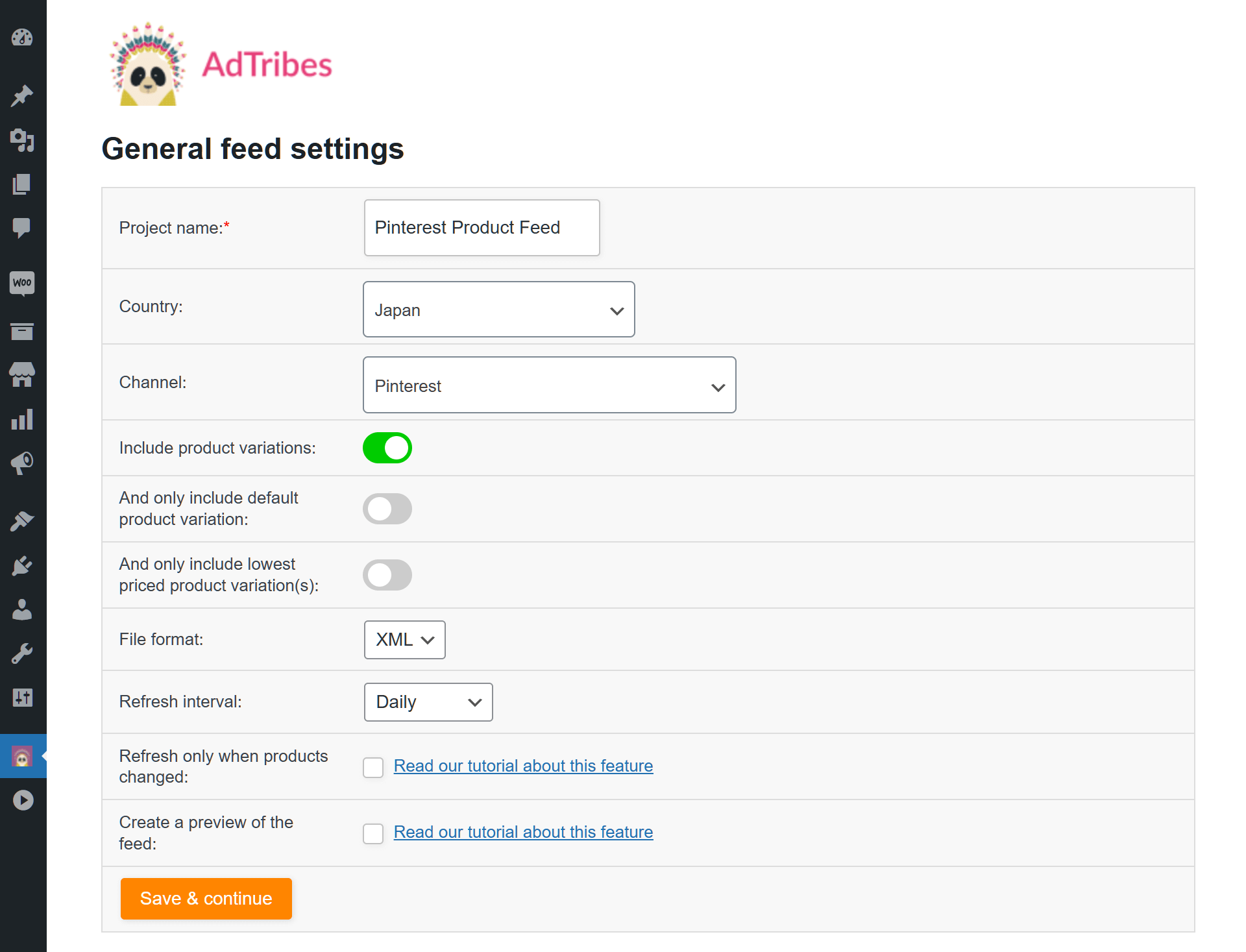
Selling on the leading visual discovery platform Pinterest has never been easier! Our pre-defined Pinterest feed template streamlines the setup process, allowing you to quickly and efficiently create Pinterest XML feeds, CSV feeds, TXT feeds, or TSV feeds.
Just select the Pinterest feed template, and you're on your way. This template is designed to meet all of Pinterest's requirements, so you don't have to worry about missing any critical details. Everything is pre-configured to ensure your products are listed accurately and attractively.
Spend less time on setup and more time on selling. Our Pinterest feed template takes care of the technical details, so you can focus on what matters most—growing your business and reaching more customers on Pinterest.
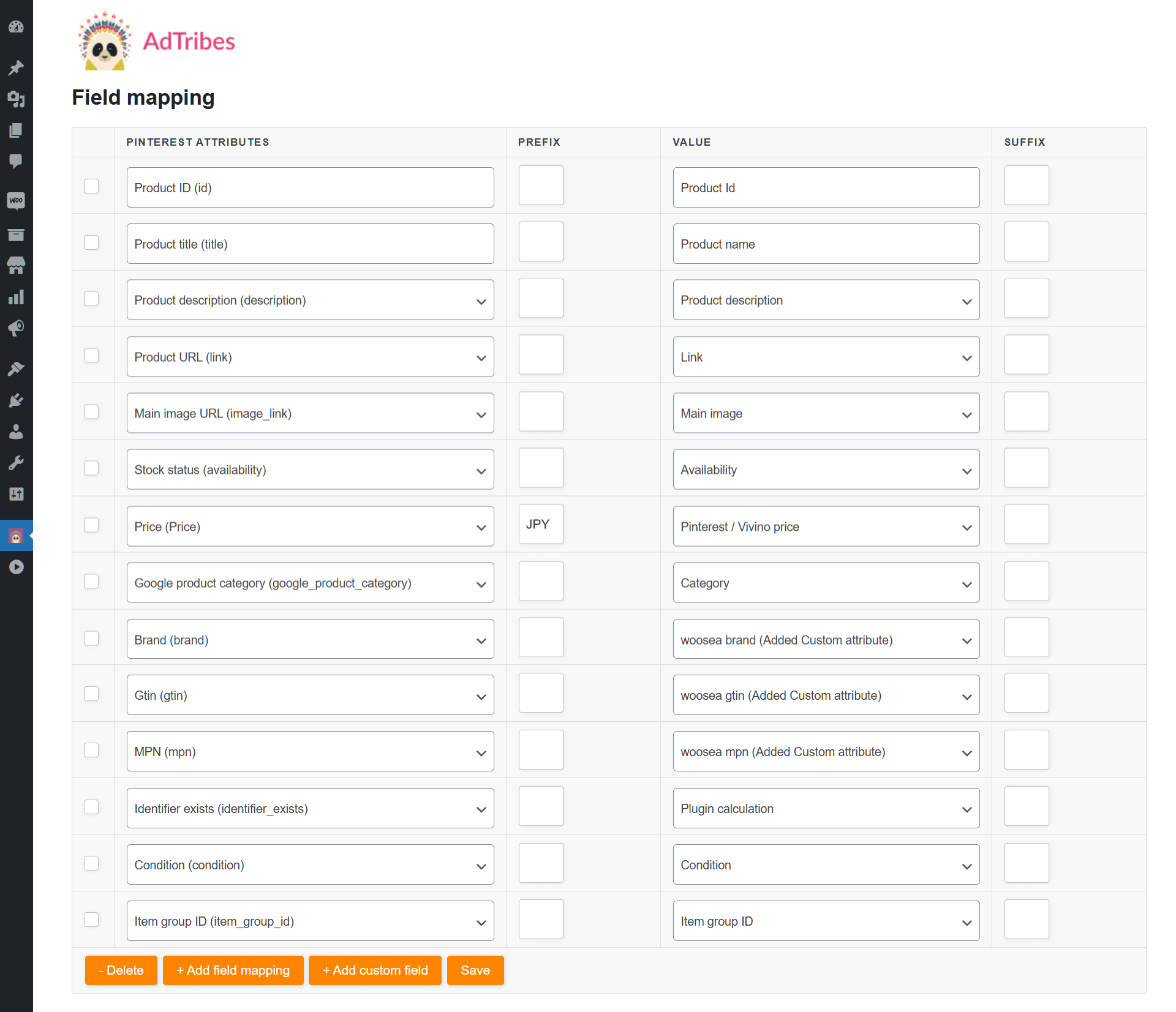
Mapping your product fields to Pinterest's specifications is a breeze with our intuitive interface.
Easily match your product data to the required fields, ensuring all information is accurately represented. Our tool pre-fills many of the mappings for you, reducing the amount of work you need to do.
You can also customize the mappings to fit your specific needs, making the process both flexible and user-friendly. Accurate field mapping helps improve your product visibility and rankings on Pinterest.
By ensuring that all necessary attributes are correctly mapped, you can enhance your product listings and attract more potential buyers.
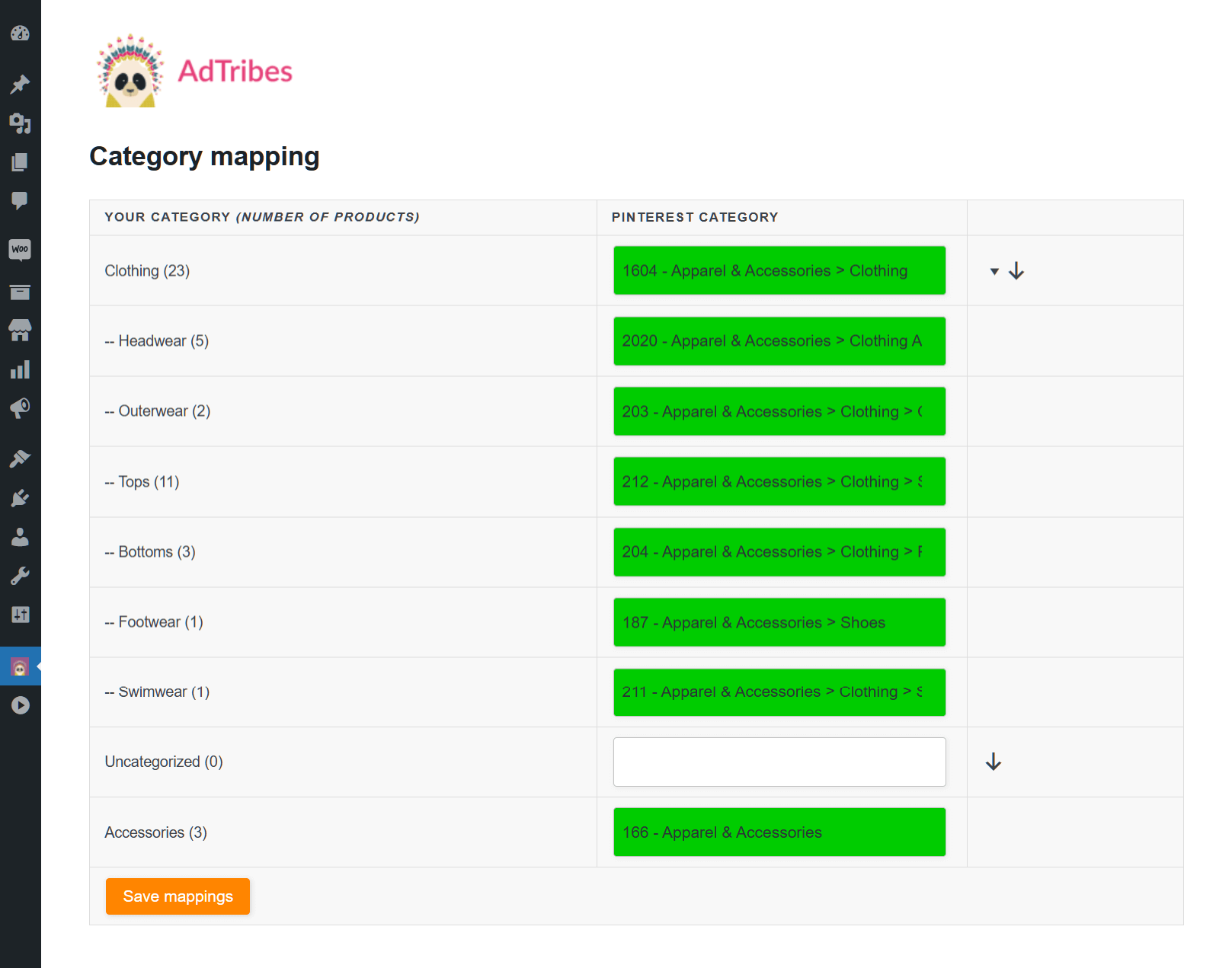
Leverage our user-friendly Category Mapping feature to effortlessly match your WooCommerce product categories with Pinterest's categories.
Just type a few characters into Pinterest's category field, and our tool will provide relevant suggestions. Choose the best match, and you're good to go!
Properly mapping categories helps ensure your products appear where they’re most likely to be seen by interested customers, which can boost your sales.
Our Category Mapping tool positions your products to reach the right audience effectively!
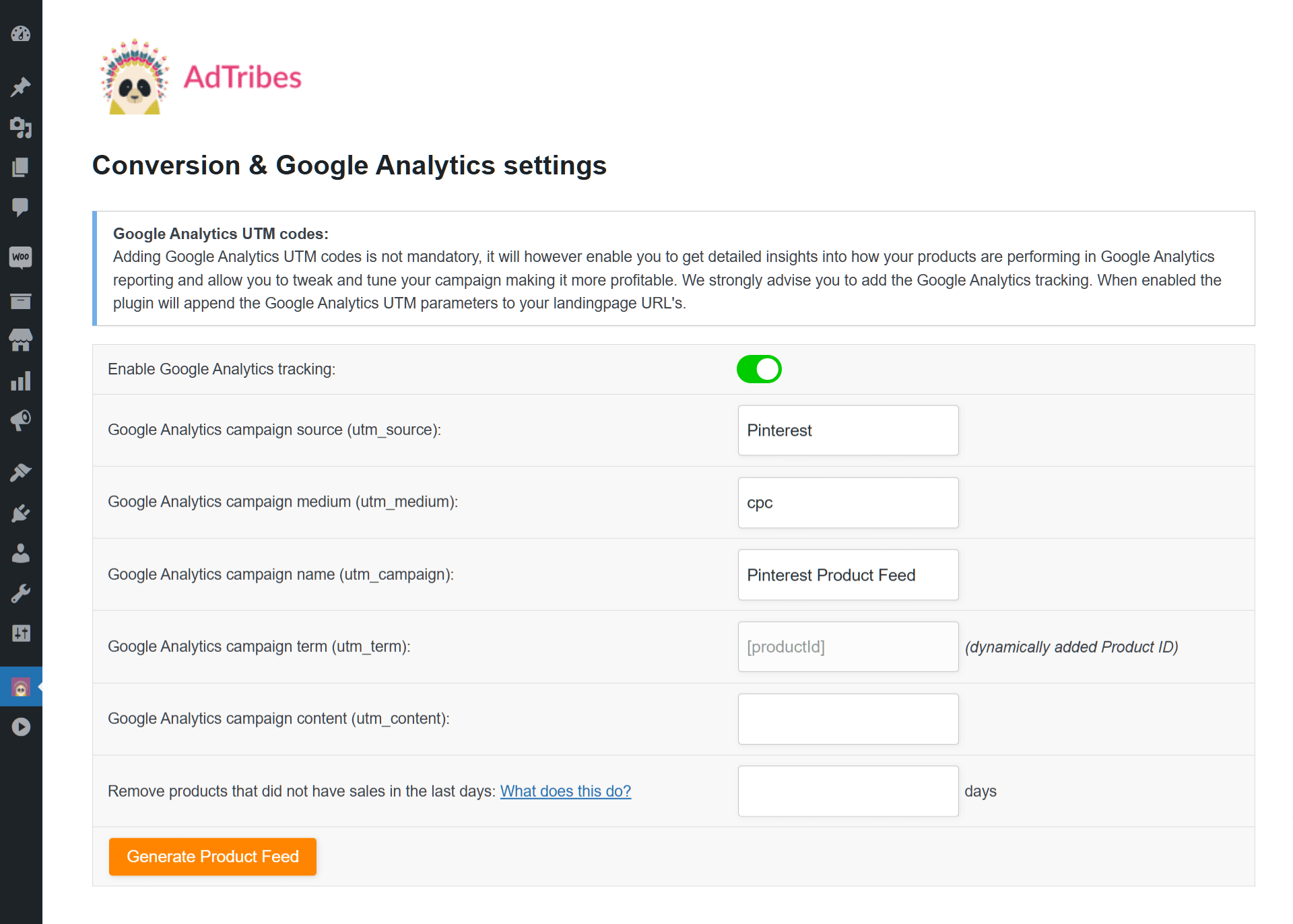
Harness the power of advanced tracking with our Google Analytics UTM support.
By adding UTM parameters to your product links, you can gain detailed insights into your campaign performance on Pinterest.
Track key metrics such as traffic sources, medium, and campaign names. This data helps you understand how customers are finding your products and which marketing efforts are most effective.
Use this valuable information to optimize your campaigns, improve ROI, and make data-driven decisions. Our Google Analytics UTM support gives you the tools you need to succeed in the competitive online marketplace.
The simplest way to create perfect product feeds for advertising platforms,
shopping networks, and comparison sites.
Do you have questions about setting up your first Pinterest product feed in WooCommerce?
This FAQ covers the basics, so you know what to expect before you start.
The best WooCommerce product feed plugin
